EasyManua.ls Logo

Medeli DP280K - Setting Octave in Twinova Mode; MIDI and System Settings; MIDI Out Channel Configuration; Beep Tone On;Off Control

Medeli DP280K
24 pages
Print Icon
To Next Page IconTo Next Page
To Previous Page IconTo Previous Page
Loading...
Set the octave for Twinova.
This function will shift the pitch of the entire keyboard up or down by one
octave. This function is available only in Twinova mode. The octave
setting will be reset to default when you exit Twinova mode.
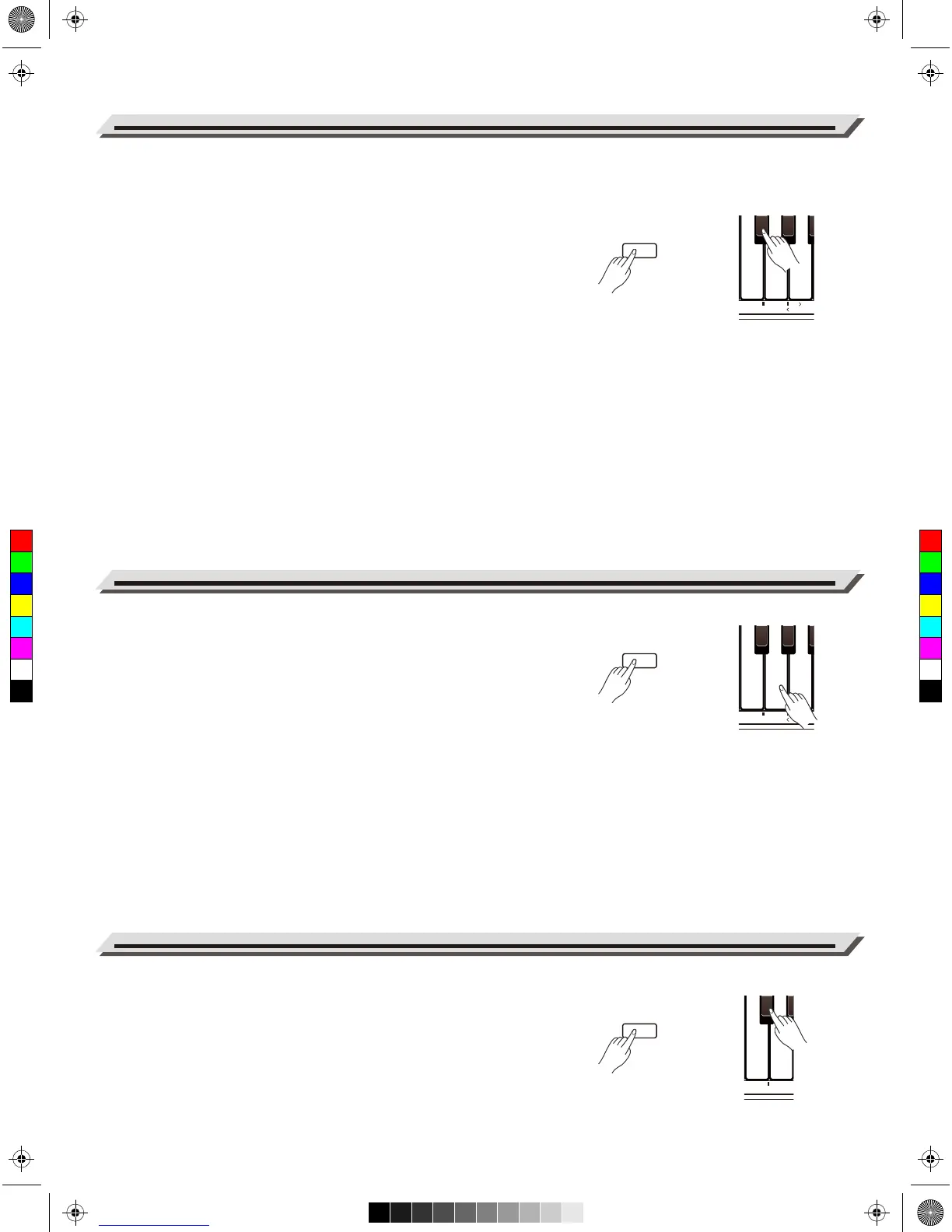
1. Press and hold [FUNCTION], then press the key marked [OCTAVE]
to edit the octave setting.
2. In edit mode, press and hold [FUNCTION], then use the keys marked
SETTING [<]/[>] to adjust the octave value.
3. In edit mode, press and hold [FUNCTION], then press the SETTING
[<] and [>] keys at the same time to reset the octave to default “0”.
Note:
The Twinova function is not available in Song mode and Demo mode.
1. Press and hold [FUNCTION], then press the key marked [MIDI OUT]
to edit the MIDI Out channel.
2. In edit mode, press and hold [FUNCTION], then use the keys marked
SETTING [<]/[>] to set the MIDI Out channel range from 01 to 16.
3. In edit mode, press and hold [FUNCTION], then press the SETTING
[<] and [>] keys at the same time to restore the default setting “01”.
The instrument will produce a sound when using the keyboard to change
a setting. This function is turned on by default.
To turn off the function, press and hold [FUNCTION], then press the key
marked [BEEP].
20
Twinova
MIDI Out Channel
Beep Tone

VOLUME
L
2 4 TRANSP. TOUCH
R1-VOL
METRO-VOL
SPLIT MIDI OUT
2 4 BEEP
3 6 81
R TAP
0
0 3 5 6 TUNE REVERB CHORUS
R2-VOL
L-VOL
OCTAVE
1 3 5
2
4
5 7 9
8
9
VOLUME
L
2 4 TRANSP. TOUCH
R1-VOL
METRO-VOL
SPLIT MIDI OUT
2 4 BEEP
3 6 81
R TAP
0
0 3 5 6 TUNE REVERB CHORUS
R2-VOL
L-VOL
OCTAVE
1 3 5
2
4
5 7 9
8
9
VOLUME
L
2 4 TRANSP. TOUCH
R1-VOL
METRO-VOL
SPLIT MIDI OUT
2 4 BEEP
3 6 815 7
R TAP
0
0 3 5 6 TUNE REVERB CHORUS
R2-VOL
L-VOL
OCTAVE
1 3 5
2
4
5 7 9
6
8
9
VOLUME
L
2 4 TRANSP. TOUCH
R1-VOL
METRO-VOL
SPLIT MIDI OUT
2 4
3 6 810 2 5 7
DEMO
R TAP
0
0 3 5 6 TUNE REVERB CHORUS
R2-VOL
L-VOL
OCTAVE
1 3 5
2
4
5 7 9
1
3
4 6
8
9
FUNCTION
L
2 4 TRANSP. TOUCH
R1-VOL
METRO-VOL
SPLIT MIDI OUT
2 4
3 6 81
0 2 5 7DEMO
R TAP
0
0 3 5 6 TUNE REVERB CHORUS
R2-VOL
L-VOL
OCTAVE
1 3 5
2
4
5 7 9
1
3
4 6
8
9
FUNCTION
VOLUME
L
2 4 TRANSP. TOUCH
R1-VOL
METRO-VOL
SPLIT MIDI OUT
2 4
BEEP
3 6 817
R TAP
0
0 3 5 6 TUNE REVERB CHORUS
R2-VOL
L-VOL
OCTAVE
1 3 5
2
4
5 7 9
6
8
9
FUNCTION
C
M
Y
CM
MY
CY
CMY
K
aw_DP280K_manual_G02_171108.pdf 20 17/11/8 12:59

Related product manuals