You can record and save your keyboard performance as a user song on
the instrument, and then play it back.
Prepare Recording
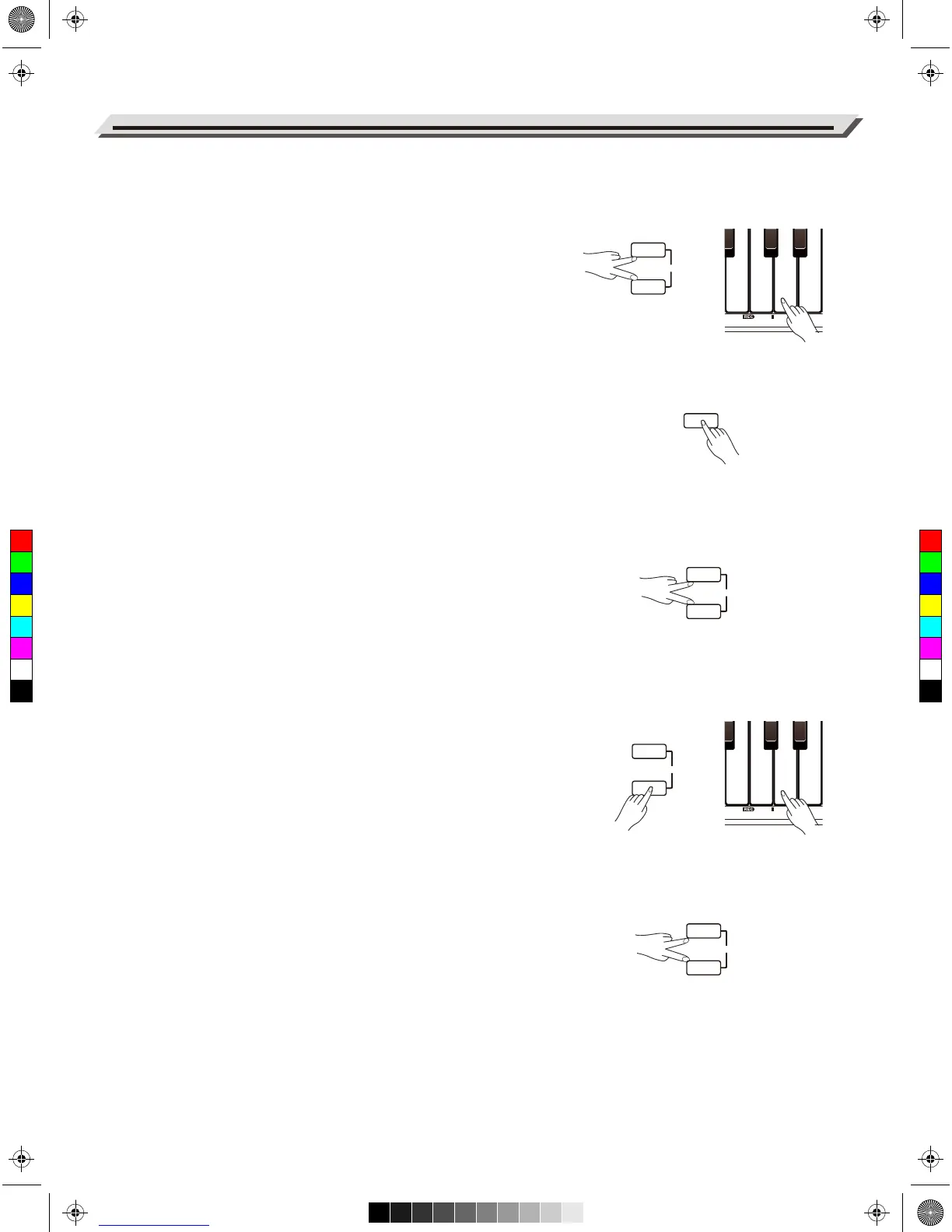
1. Before recording starts, you need to select a user song to which the
recording will be saved. Press [METRO] and [PLAY] buttons at the
same time, then use the keys marked REC [1–5] to select a user
song.
2. It then enters Recording standby mode. The button indicator for
[START/STOP] will blink. Now you can set the instrument voice,
tempo and so on.
Start Recording
In Recording standby mode, press the [START/STOP] button or simply
play the keyboard to start recording. The button indicators for [METRO]
and [PLAY] will stay lit.
Note:
If the current user song has data, the data will be overwritten after
recording.
Stop Recording
1. During recording, if you press [METRO] and [PLAY] buttons at the
same time, recording will stop and be saved. The button indicators
for [METRO] and [PLAY] will turn off.
2. During recording, if the memory gets full, recording will automatically
stop and be saved. The button indicators for [METRO] and [PLAY]
will turn off.
Play back Recording
1. After recording, press and hold [PLAY], then use the keys marked
REC [1–5] to select the desired user song.
2. Press the [PLAY] button to start playback. The button indicator will
light up.
3. To stop playback, press the [PLAY] button again. The button indicator
turns off.
Delete Recording
1. Press and hold [METRO] and [PLAY] buttons, then turn on the power.
This operation will delete all user songs.
2. After selecting a user song for playback, if you press [METRO] and
[PLAY] buttons at the same time, it will delete the selected user song.
Note:
The saved user songs will not be lost after power off.
18
Song Recording



 To Next Page