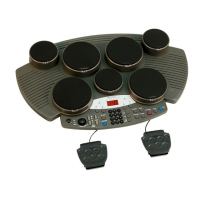
Making the Settings for Pads
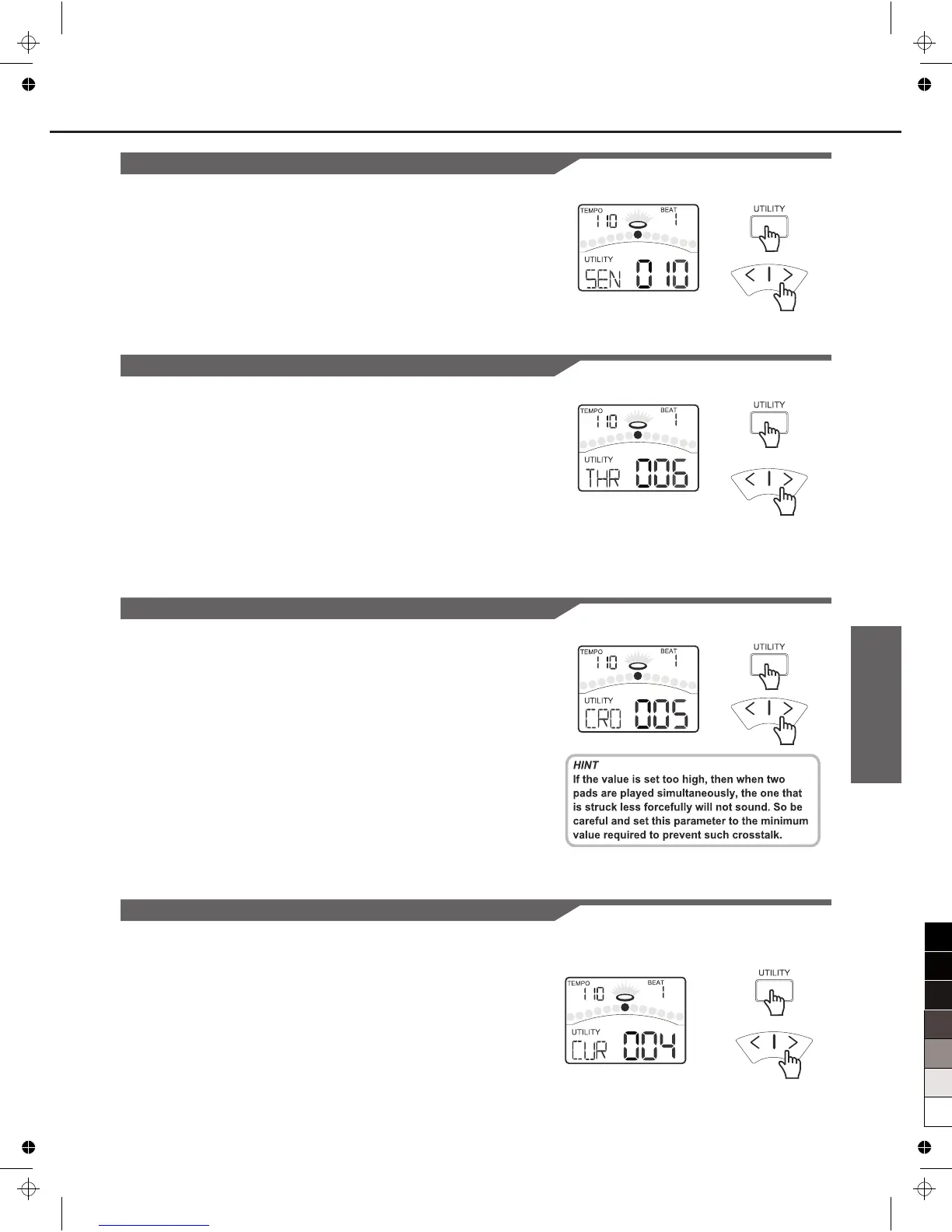
Adjusting the Pad Sensitivity
Press the [PAGE] or [UTILITY] button, select Pad Sensitivity
page. The display will show:
Changes how a pad responds to your playing. At higher
sensitivities, the pad will generate a louder signal, even when
you play softly. At lower sensitivities, the pad will generate a
quieter signal, even if you play strongly. Adjust according to
your playing style and desired dynamic range.
Setting the Pad Threshold
Press the [PAGE] or [UTILITY] button, select Pad Threshold
page. The display will show:
Changes how forcefully you must strike the pad to generate a
trigger signal. Setting a high threshold requires hitting the pad
very hard to get a sound. This can help cut out transient
responses, such as vibrations from the kit or accidental pad
taps that you don’t intend to generate sounds. Setting a low
threshold means even light touches will produce sound. Adjust
according to environment and playing style.
Eliminating Crosstalk between Pads
Press the [PAGE] or [UTILITY] button, select Pad Crosstalk
page. The display will show:
When two pads are mounted close to each other, hitting one
pad may trigger the sound from another pad unintentionally.
This effect can be eliminated by setting this parameter to a
higher value on the pad is triggered unintentionally.
Selecting the Pad Curve
Press the [PAGE] or [UTILITY] button, select Pad Curve page.
The display will show:
17



 To Next Page