10
KIT xx
KICK
Head
Bow Bow
SNARE
TOM1 TOM2
TOM3
HI-HAT
CRASH
Head
Rim
Head
Rim
Bow
Edge
Head
Rim
Head
Rim
RIDE
Drum Kits and Voices
An acoustic drum has only one fixed kit and it’s unchangeable. A
digital drum is preset with various voices of different styles. You may
combine different voices and make as many drum kits as you like.
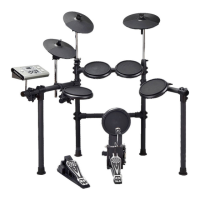
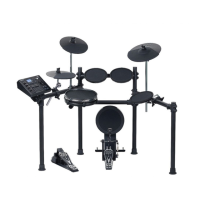
The structure of a drum kit is shown on the right:
Selecting a Drum Kit
1. Press the [KIT] button to enter the kit menu.
2. Press the [<]/[>] button or turn the [DIAL] to select your desired
drum kit. (Refer to Drum Kit List)
Selecting a Voice
While striking the pads, you can enjoy the ensemble sound effect. If
you are not satisfied with the voice of any pads, change the voice as
you want.
1. Press the [KIT/ VOICE] button for 2 seconds to enter the voice
menu.
2. Strike the pad that you want to edit.
The screen will display the name of current pad.
3. While striking the pad, press the [<]/[>] button or turn the [DIAL] to
select a desired voice for the pad. (Refer to Drum Voice List)
Quick Play


 To Next Page