Operation
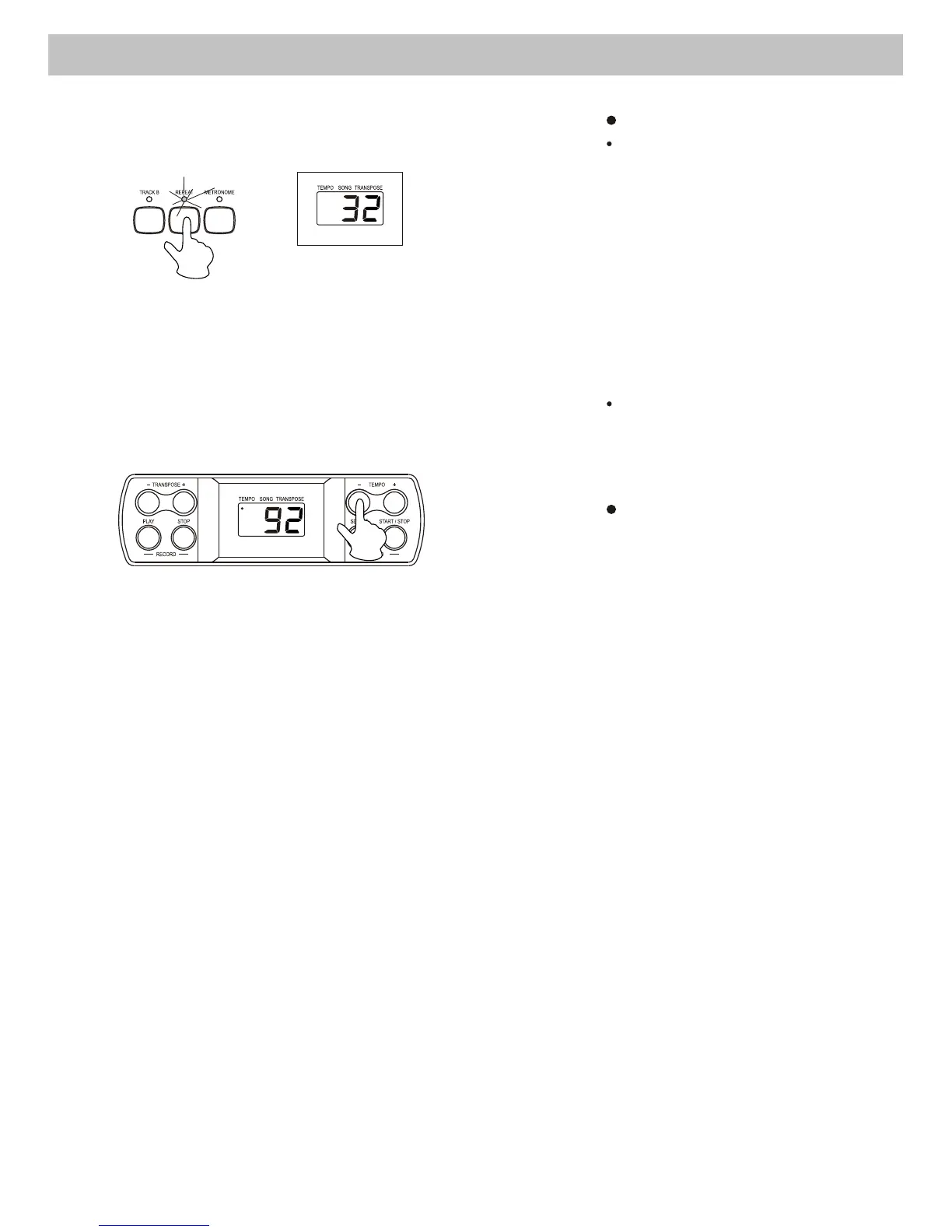
Repeat the demo song
When a demo song is
playing , press the [REPEAT]
button to set the point of
beginning that you want to
listen. "r-A" will appear on the
display, then press the
[REPEAT] button again to set
the end point of the playback.
"r-B" will appear on the display
and the selected section of the
demo song will playback
repeatedly.
This function does not work
after pressing the [DEMO ALL]
button and its songs are
playing.
Adjust the tempo of demo
song
When a demo song is
playing, you can adjust
its tempo by pressing the
[TEMPO +/-] buttons.
10



 To Next Page