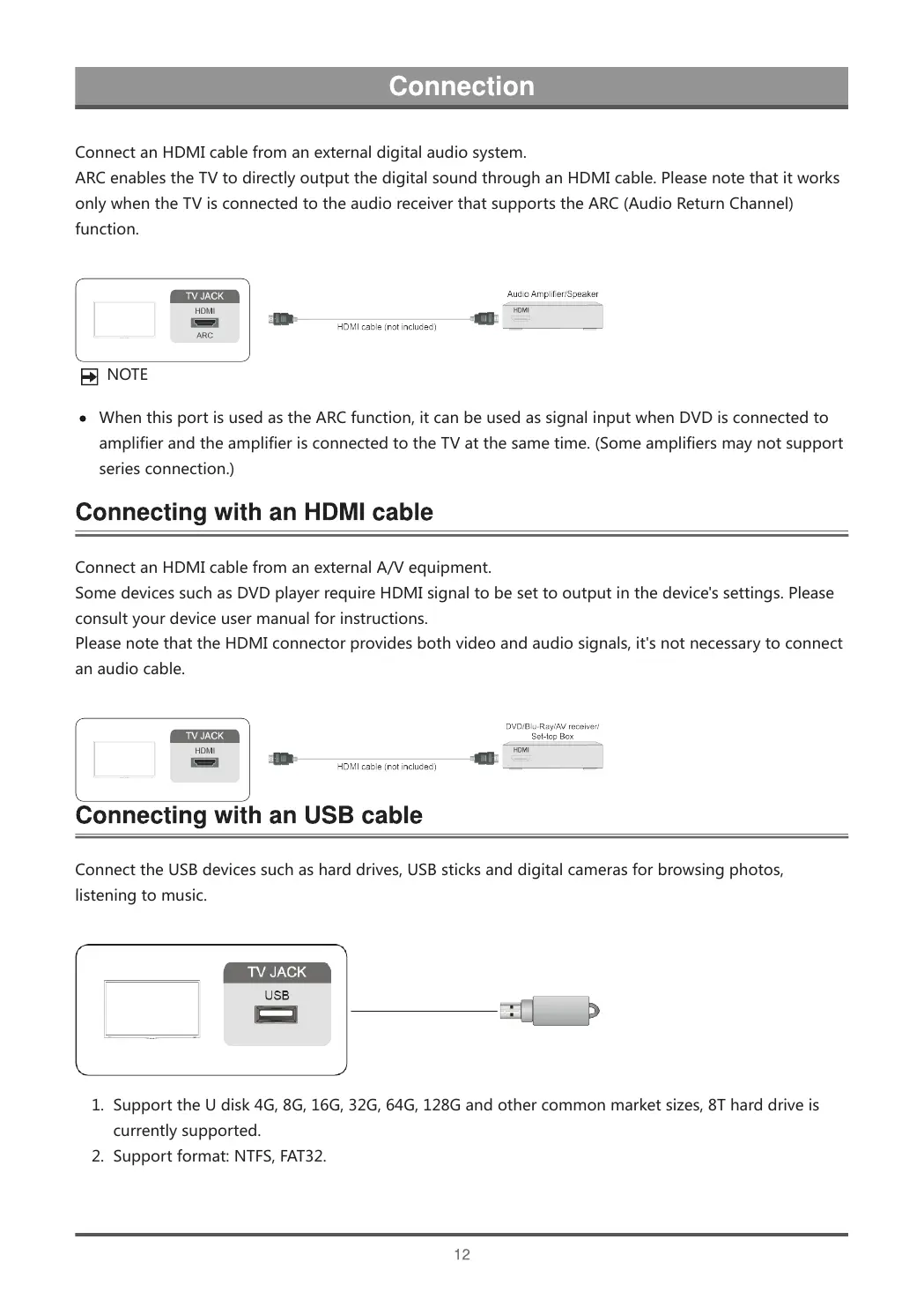
ConnectanHDMIcablefromanexternaldigitalaudiosystem.
ARCenablestheTVtodirectlyoutputthedigitalsoundthroughanHDMIcable.Pleasenotethatitworks
onlywhentheTVisconnectedtotheaudioreceiverthatsupportstheARC(AudioReturnChannel)
function.
NOTE
WhenthisportisusedastheARCfunction,itcanbeusedassignalinputwhenDVDisconnectedto
amplifierandtheamplifierisconnectedtotheTVatthesametime.(Someamplifiersmaynotsupport
seriesconnection.)
ConnectanHDMIcablefromanexternalA/Vequipment.
SomedevicessuchasDVDplayerrequireHDMIsignaltobesettooutputinthedevice'ssettings.Please
consultyourdeviceusermanualforinstructions.
PleasenotethattheHDMIconnectorprovidesbothvideoandaudiosignals,it'snotnecessarytoconnect
anaudiocable.
ConnecttheUSBdevicessuchasharddrives,USBsticksanddigitalcamerasforbrowsingphotos,
listeningtomusic.
1. SupporttheUdisk4G,8G,16G,32G,64G,128Gandothercommonmarketsizes,8Tharddriveis
currentlysupported.
2. Supportformat:NTFS,FAT32.



 To Next Page