>Settings>Channel
TunerMode
SelectifyoureceiveTVchannelsovertheair(antenna)orthroughacablesettopbox.
AutomaticScan
AutomaticallyscanforchannelstoviewprogrammingfromyourTVsource.
DTVManualScan
ManuallyscanforDTVchannelstoviewprogrammingfromyourTVsource.
ATVManualScan
ManuallyscanforATVchannelstoviewprogrammingfromyourTVsource.
ATVFineTuning
Finetuningcurrentchanneltoimprovetheprogrammepicture.
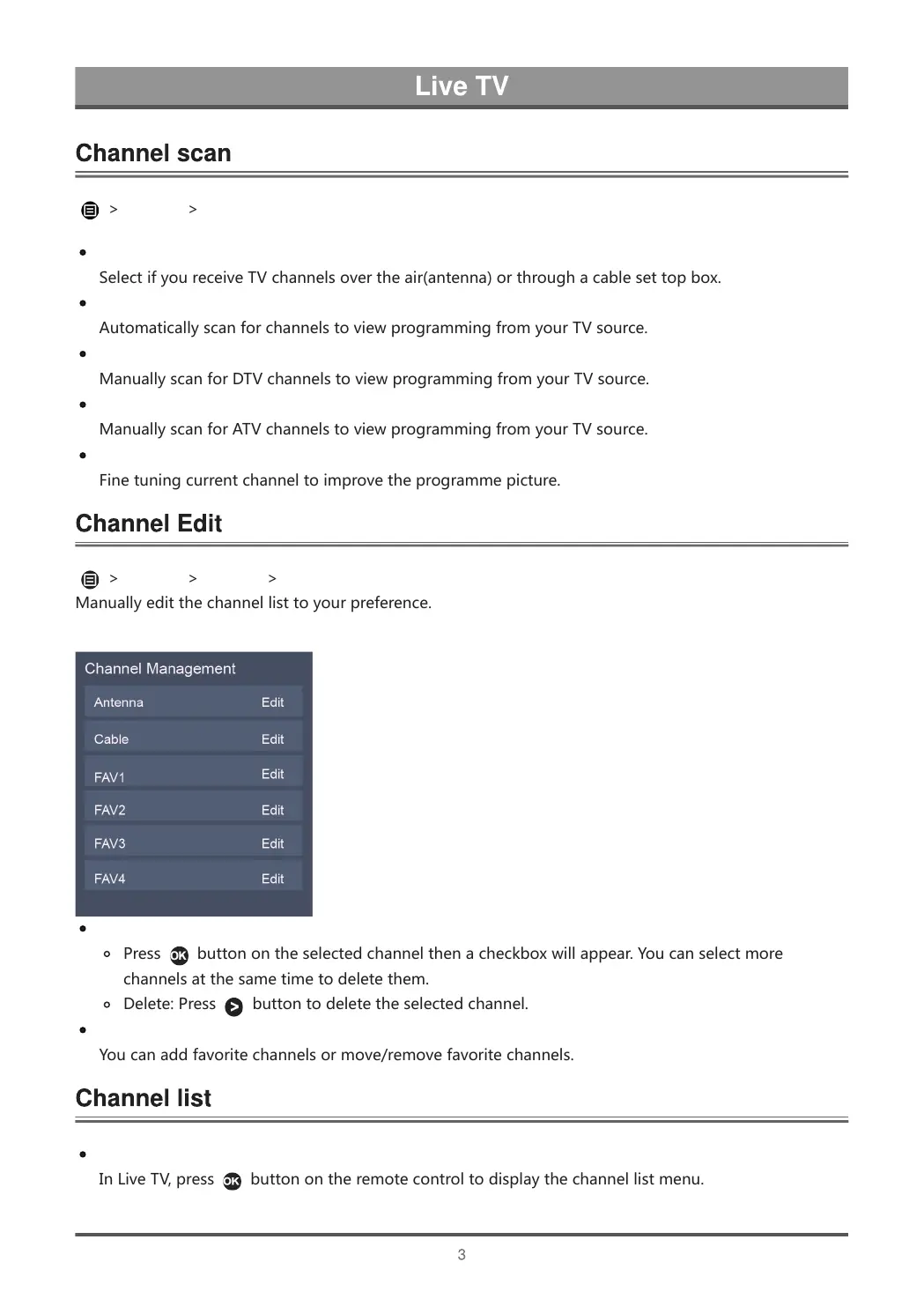
>Settings>Channel>ChannelEdit
Manuallyeditthechannellisttoyourpreference.
Editthechannels
Press buttonontheselectedchannelthenacheckboxwillappear.Youcanselectmore
channelsatthesametimetodeletethem.
Delete:Press buttontodeletetheselectedchannel.
Editthefavoritechannels
Youcanaddfavoritechannelsormove/removefavoritechannels.
Displaythechannellist
InLiveTV,press
buttonontheremotecontroltodisplaythechannellistmenu.



 To Next Page