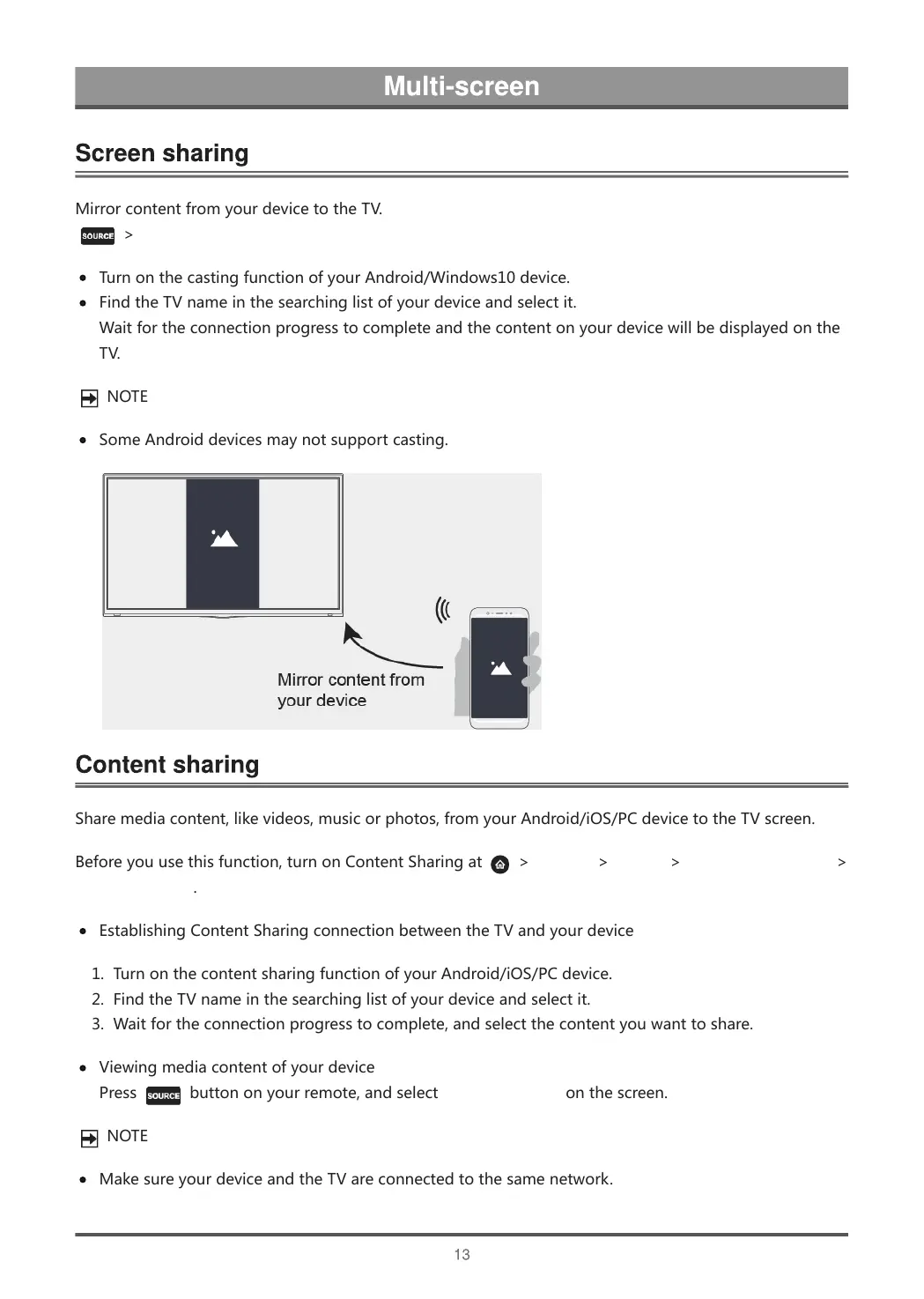
MirrorcontentfromyourdevicetotheTV.
>ScreenSharing
TurnonthecastingfunctionofyourAndroid/Windows10device.
FindtheTVnameinthesearchinglistofyourdeviceandselectit.
Waitfortheconnectionprogresstocompleteandthecontentonyourdevicewillbedisplayedonthe
TV.
NOTE
SomeAndroiddevicesmaynotsupportcasting.
Sharemediacontent,likevideos,musicorphotos,fromyourAndroid/iOS/PCdevicetotheTVscreen.
Beforeyouusethisfunction,turnonContentSharingat
>Settings>System>ApplicationSettings>
ContentSharing.
EstablishingContentSharingconnectionbetweentheTVandyourdevice
1. TurnonthecontentsharingfunctionofyourAndroid/iOS/PCdevice.
2. FindtheTVnameinthesearchinglistofyourdeviceandselectit.
3. Waitfortheconnectionprogresstocomplete,andselectthecontentyouwanttoshare.
Viewingmediacontentofyourdevice
Press
buttononyourremote,andselectContentSharingonthescreen.
NOTE
MakesureyourdeviceandtheTVareconnectedtothesamenetwork.



 To Next Page