50
ST/MO – Switch between stereo and mono in radio mode
15) – Start/stop playback
AMS – Automatically store radio station
CLOCK – Set the time
16)
– Switch device on / switch to standby mode
17) CD/USB/TAPE/LINE IN – Select playback mode
18) RADIO – Radio mode
19) PRESET/PROGRAM – Radio station button/programme functions
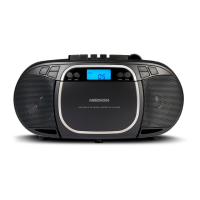
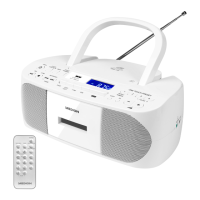
20) Handle
21) FM antenna
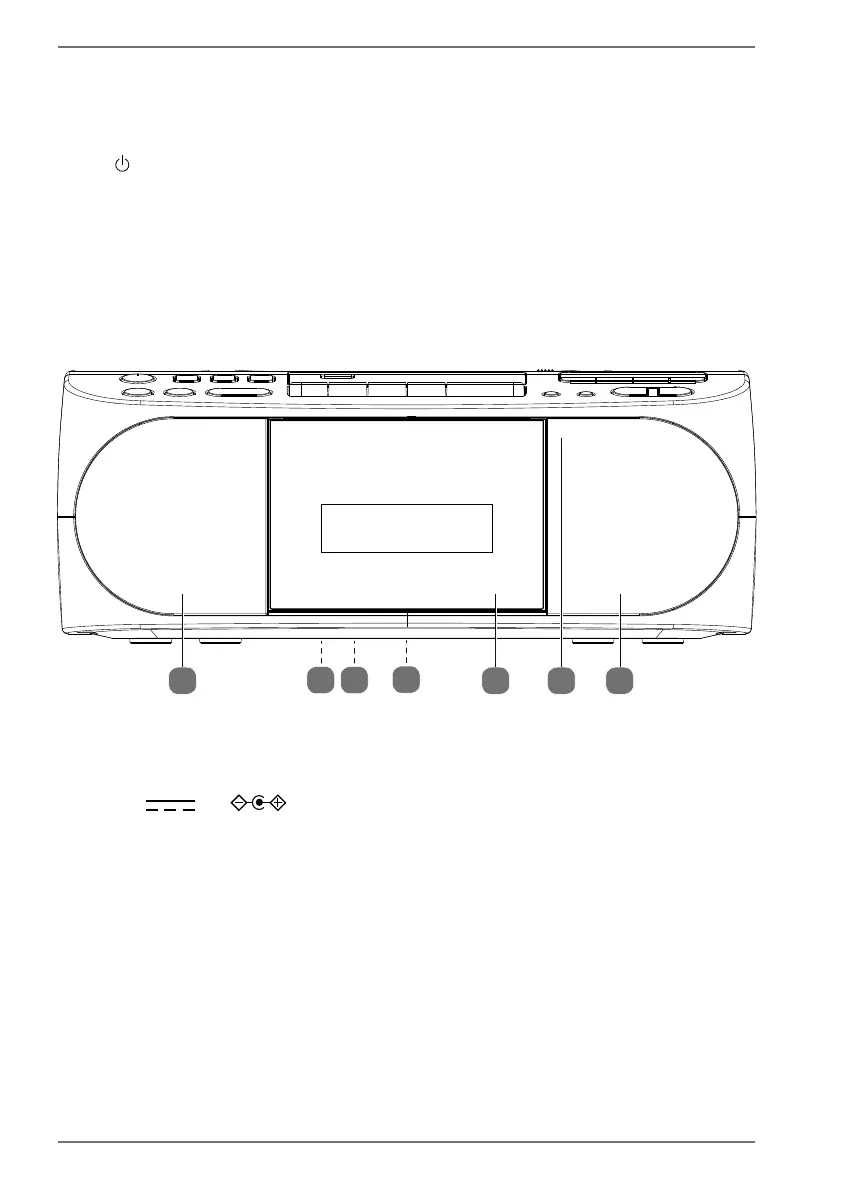
6.2. Front
22 24 2223
25
2627
22) Speaker
23) Position of the infrared receiver
24) Cassette compartment
25) 9V 2A – Connection for mains adaptor (on the back of the de-
vice)
26) Type plate (on the underside of the device)
27) Battery compartment (on the underside of the device)


 To Next Page