60
17.8. Repeat functions/random playback
Press the REPEAT/RANDOM button once or several times to run through the
repetition modes. The device has a number of different modes:
− Repeat individual track (REPEAT flashes),
− Repeat the current album (REPEAT and the number of the current album
flashes, e.g. F001),
− Repeat all tracks (REPEAT and the number of the current track flashes, e.g.
T001).
− Random playback (RND is shown on the display)
− Intro playback. All tracks are played for 10 seconds. (INTR will appear briefly
the display).
If you have programmed a playlist (see previous sec-
tion), REPEAT does not flash upon activation of the re-
peat function. All programmed tracks are repeated.
18. Cassette operation
Press the CD/USB/TAPE/LINE IN button once or several times until TAPE ap-
pears on the display.
18.1. Inserting a cassette
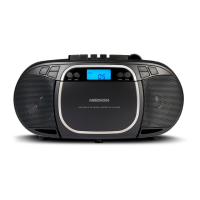
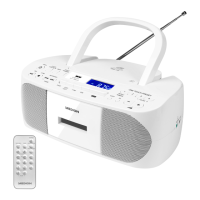
Press the STOP/EJECT , button to open the cassette compartment.
Insert a cassette into the compartment grooves with the tape side facing up.
The side to be played faces forwards.
Push the compartment closed.
18.2. Playing, stopping and pausing a cassette
Press the PLAY, button to start playing the cassette.
You can stop playback by pressing the STOP/EJECT button.
You can pause playback by pressing the PAUSE button. Press the button
again to resume playback.
Once the end of the tape is reached, playback stops automatically.
18.3. Fast-forwarding and rewinding
Press the F.FWD or REW buttons to fast forward or rewind the tape.
Press the STOP/EJECT button to stop fast-forwarding. You can also press
this button if you have reached the end or the beginning of the tape.
Do not switch immediately from fast-forwarding or rewinding to playing. Stop
the tape first to protect the tape from wear.


 To Next Page