15
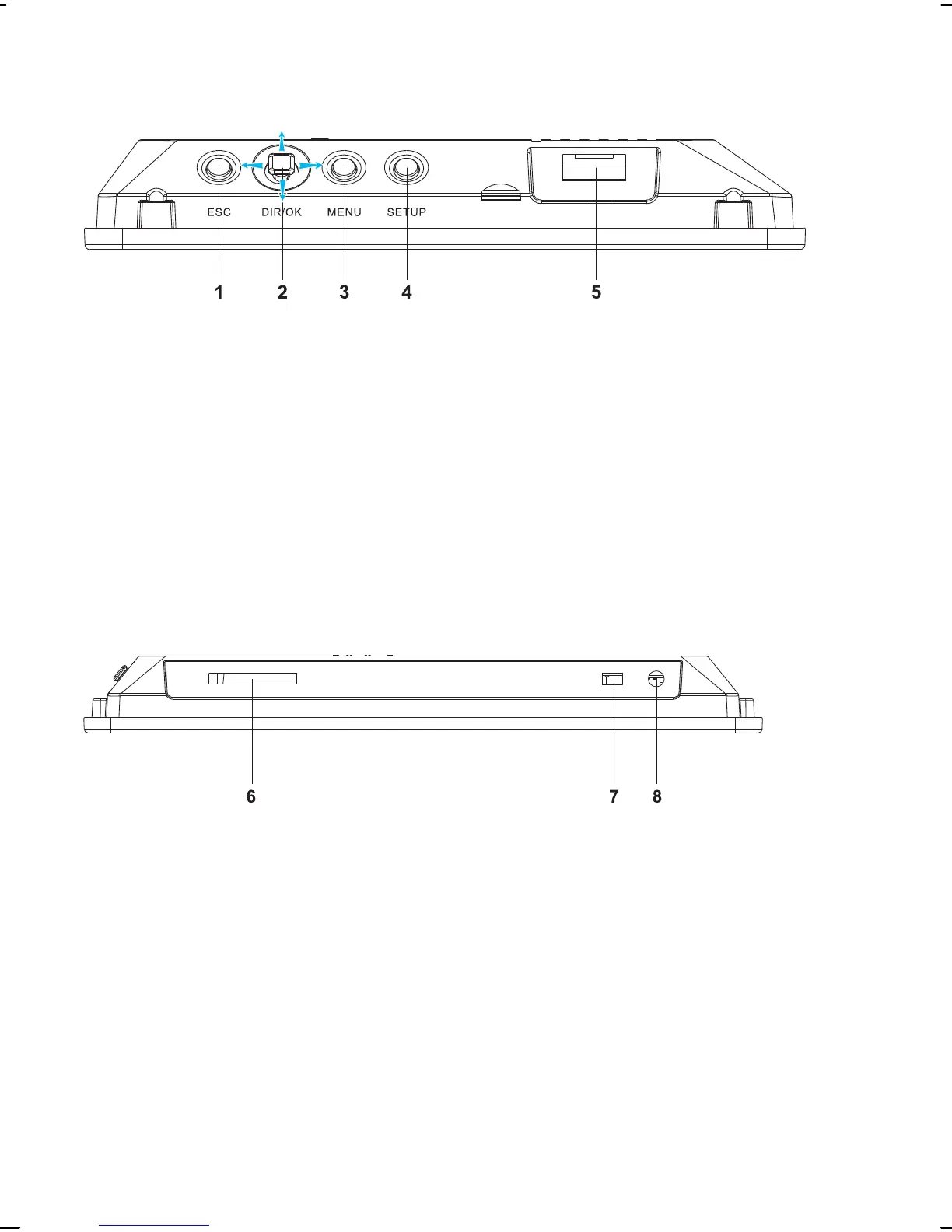
Right side
1 ESC button: End function, or close menu and change to
the superordinate menu
2 OK button: Confirm entry or selection
Move button: Navigate in the menu or select a file
3 MENU button: Open menu
4 SETUP button: Open the menu for the basic settings
5 USB connection
Base
6 Slot for SecureDisk (SD), MultiMediaCard (MMC) or Mem-
oryStick (MS)type memory cards
7 On/off switch
8 DC IN 5V: Connection socket for the connection cable



 To Next Page