46
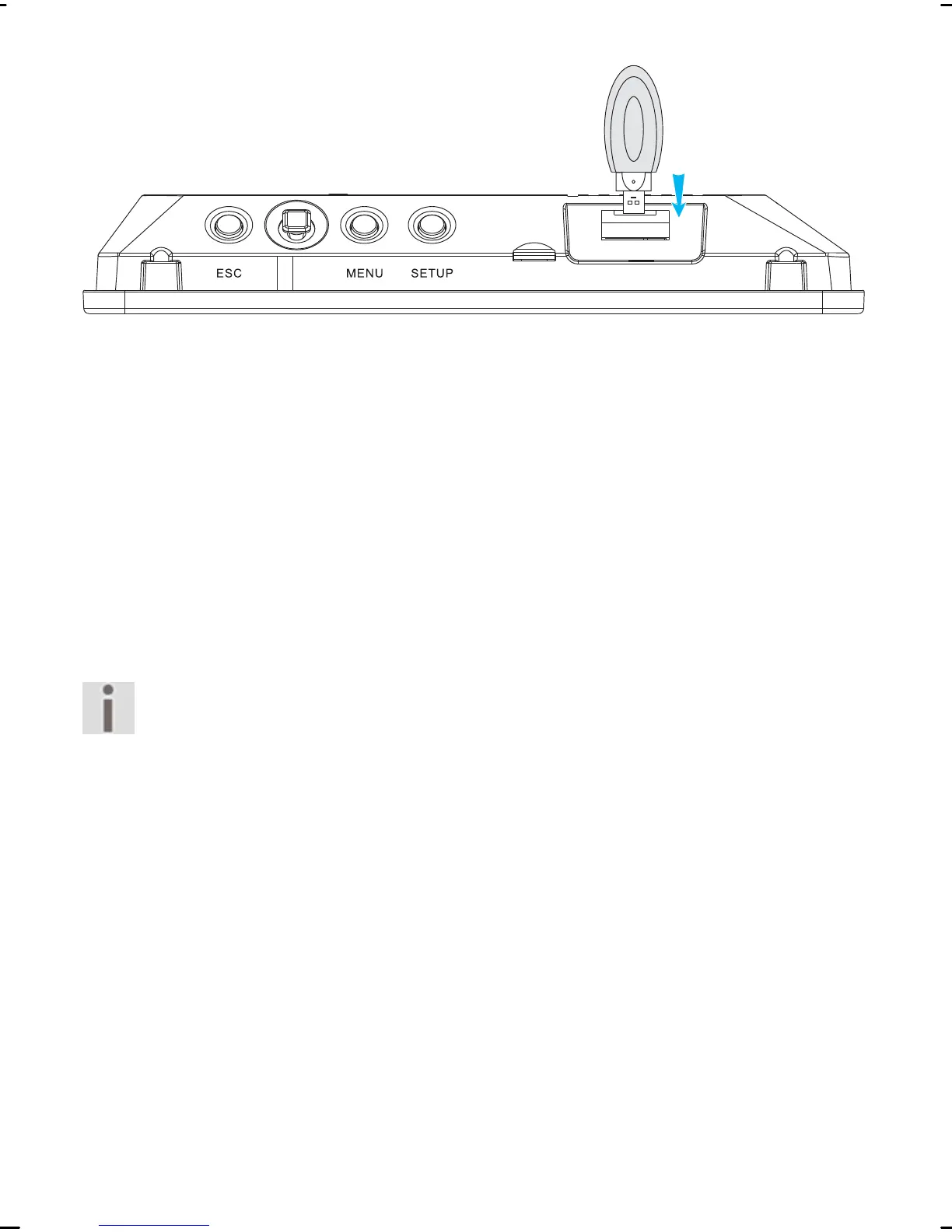
Press the USB jack without exerting force, until it stops in
the connection.
Now you will be able to display images from the “USB” stor-
age location on the device.
Pull the jack out of the connection to separate the USB
storage medium from the device.
Copying files
You can transfer files from one memory location to another.
Make sure that the write protection of the storage
medium is not activated. You will not be able to
transfer any files to the storage medium if write
protection is activated.
Select the required storage medium.
Press the OK button.
The overview window will be displayed. You will be able to
mark individual files in the overview window.
Copying individual files
Mark the miniature view of the required file in the overview
window.



 To Next Page