G
G
E
E
T
T
T
T
I
I
N
N
G
G
S
S
T
T
A
A
R
R
T
T
E
E
D
D
12
G
G
E
E
T
T
T
T
I
I
N
N
G
G
S
S
T
T
A
A
R
R
T
T
E
E
D
D
INSERTING BATTERY
This product is operated using a single
1.5V ‘AAA’ type battery. Open the battery
compartment [9] by sliding the small
cover on the back of the MP3 Player. Insert
the battery (observe the + / - polarity!)
Close the battery compartment.
It is recommended to use alkaline batter-
ies. NiMH batteries or batteries of higher
capacity are also suitable.
* Please observe the safety advice on bat-
teries (page 4).
BATTERY STATUS
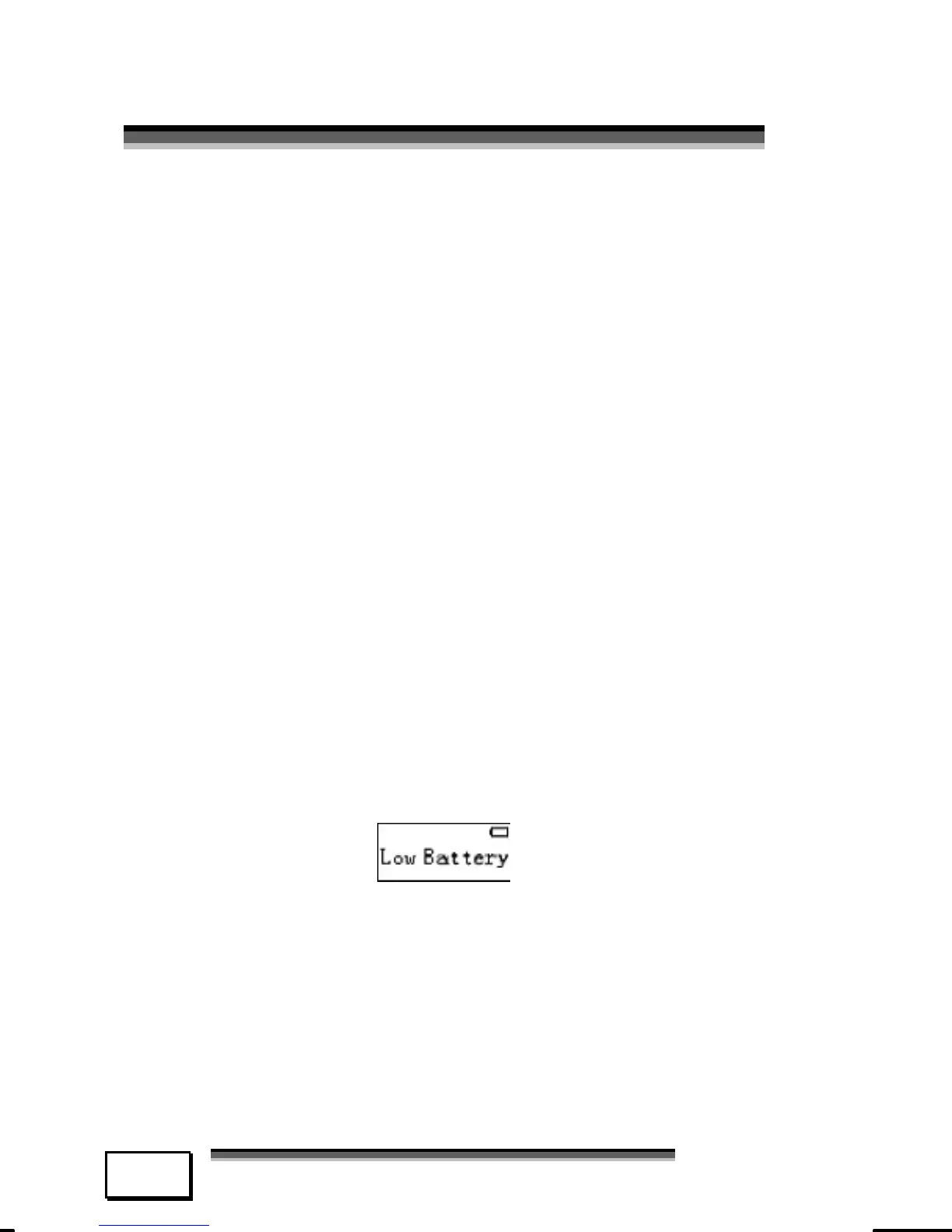
The battery status is shown on the display.
Please replace the battery with a new one
when the LCD screen shows:
* Note: Remove the battery to avoid pos-
sible damage caused by electrical leak-
age when not using the Player for ex-
tended periods of times.



 To Next Page