C
C
O
O
M
M
M
M
A
A
N
N
D
D
S
S
20
EQUALIZER
When the MP3 player is under Music mode
“Play” status, press the “MENU” key to
enter the main menu. Jog the “Menu” key
to select “Equalizer” and press the “Menu”
key to enter.
Jog the “Menu” key to select NATURAL /
ROCK / POP / CLASSIC / SOFT / JAZZ
/ DBB, once a certain mode is selected,
the corresponding symbol will appear on
the LCD screen accordingly.
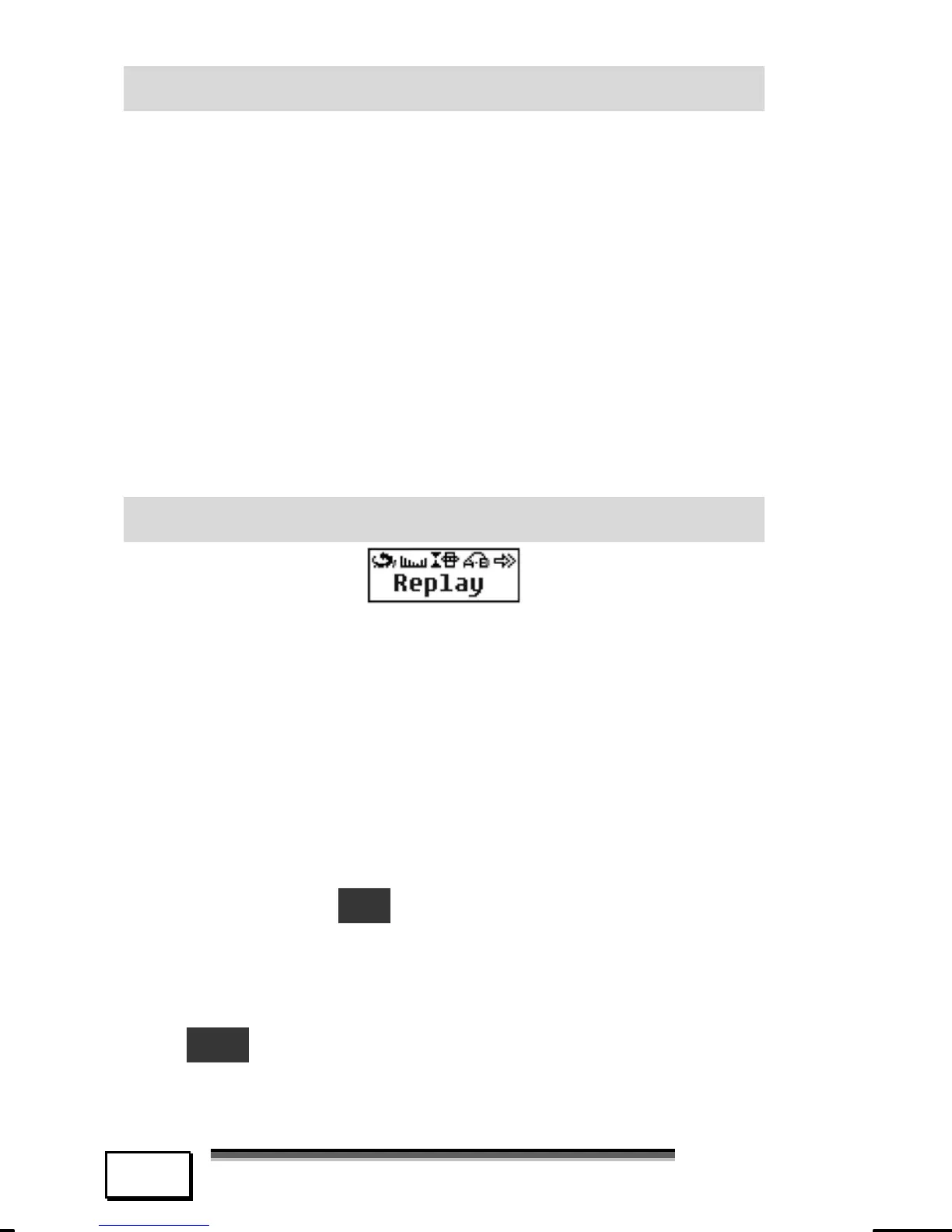
REPLAY
When the MP3 player is under play status,
press the “MENU” key to enter menu, jog
the menu button to select “Replay” and
press “Menu” button to confirm, the letter
“A” flashes. Jog the “Menu” button to the
right to select the “A” point. After point “A”
is selected, letter “B” flashes, jog the
“Menu” button again to the right to set
point “B”, an “A-B” sign shows on the
screen and the content between point A
and point B will be repeated continuously.
Press the “MENU” key once more to exit
the A-B replay mode.



 To Next Page