C
C
O
O
M
M
M
M
A
A
N
N
D
D
S
S
23
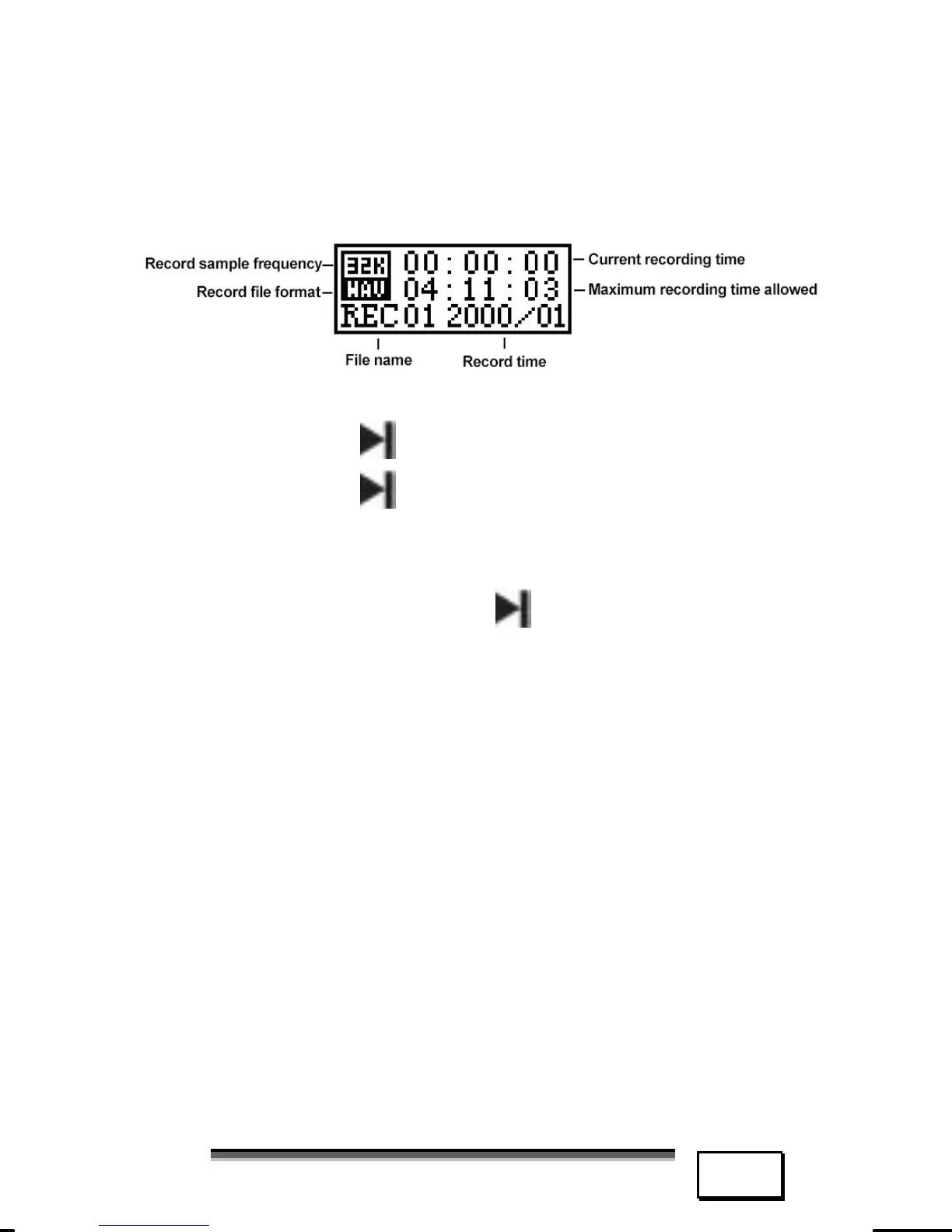
RECORD MODE
Press and hold the “MENU” key to enter the
main menu. Jog the “Menu” key to select
“RE” and press the “Menu” key to enter.
1. Start recording/Pause/Stop
2. Press the
key to start recording;
3. Press the
key again shortly to
pause recording, the current re-
cording time will flash;
4. Press and hold the
key to stop re-
cording, LCD shows “Saving”, re-
corded voice file is saved.



 To Next Page