U
U
S
S
I
I
N
N
G
G
W
W
I
I
T
T
H
H
A
A
C
C
O
O
M
M
P
P
U
U
T
T
E
E
R
R
31
U
U
S
S
I
I
N
N
G
G
W
W
I
I
T
T
H
H
A
A
C
C
O
O
M
M
P
P
U
U
T
T
E
E
R
R
CONNECTION TO THE COMPUTER
1. Turn the USB plug in order to fit it into
a free USB socket on your computer.
Please use a USB cable extension (not
included) if the plug doesn’t fit.
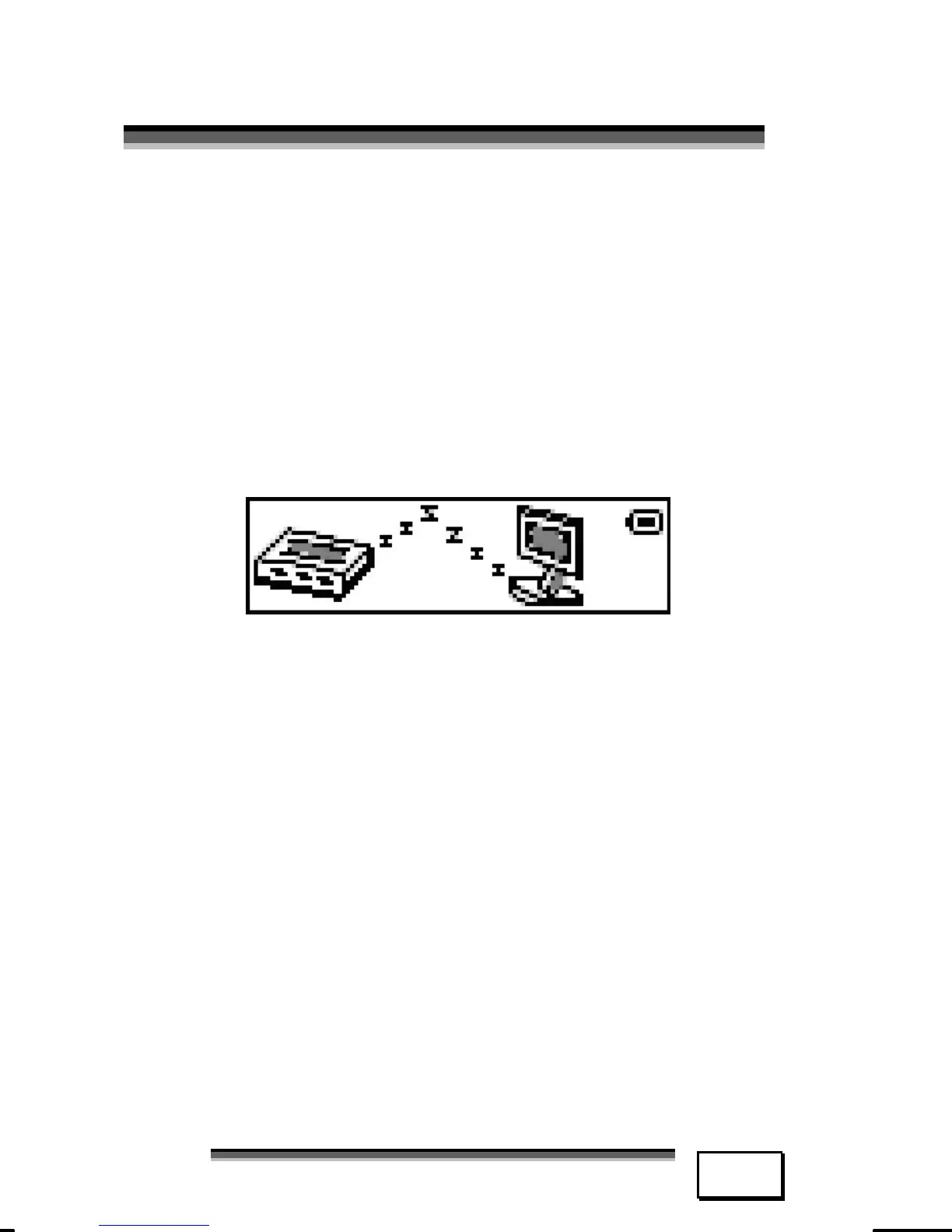
2. The LCD screen will indicate the MP3
player is successfully connected with
PC .
3. The computer should now recognise
that a new device / peripheral has
been connected.



 To Next Page