C
C
O
O
M
M
M
M
A
A
N
N
D
D
S
S
24
RECORD MODE STOP
When under “Stop” status, press the
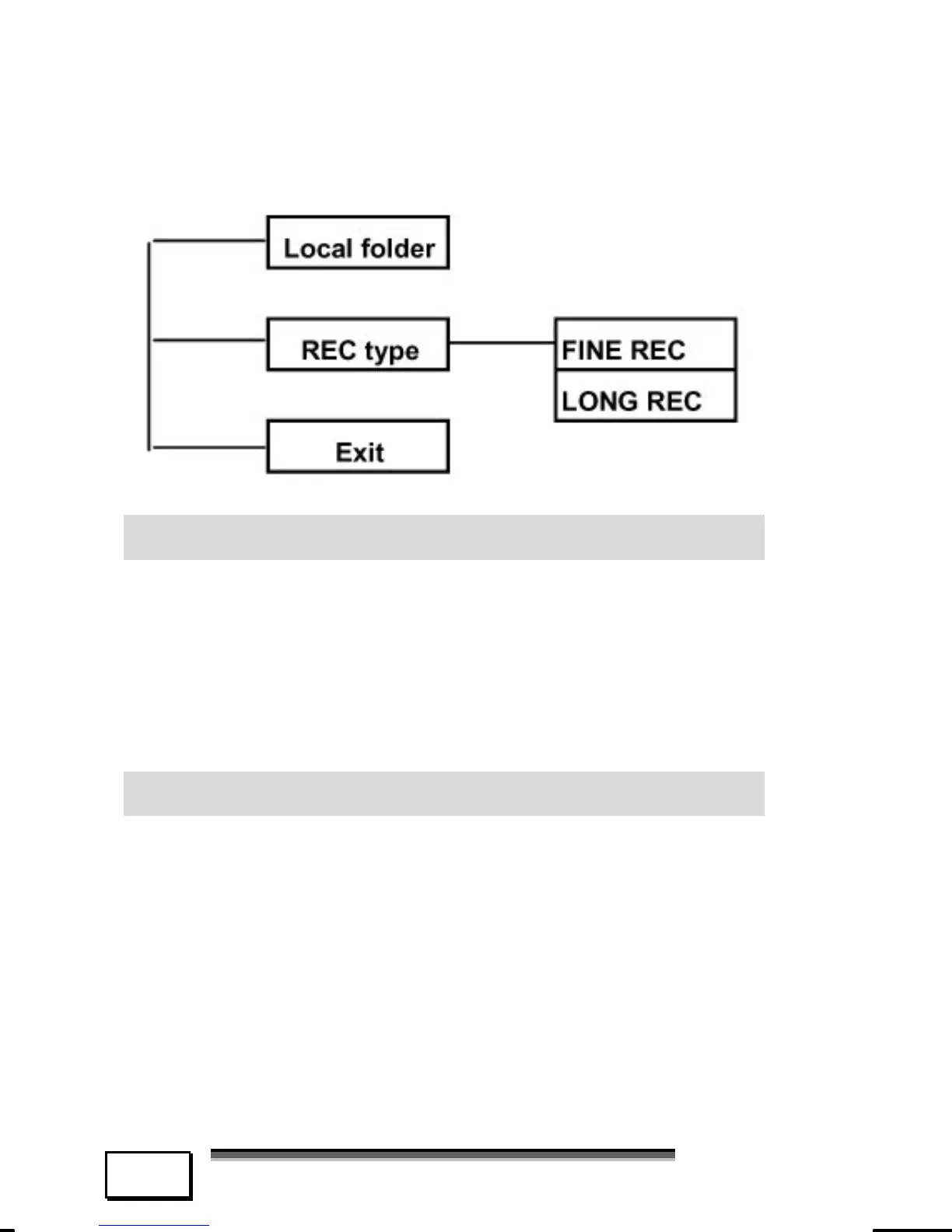
“Menu” key to enter the menu:
LOCAL FOLDER
Jog the “Menu” key to select “Local folder”
and press the “Menu” key to enter.
Select the root folder or sub-folder, press
the “Menu” key to confirm, the recorded
file will be saved in the folder selected.
REC TYPE
Jog the “Menu” key to select “REC type”
and press the “Menu” key to enter.
FINE REC: Better quality, less recording
time;
LONG REC: Longer recording time.



 To Next Page