Views
14
Views
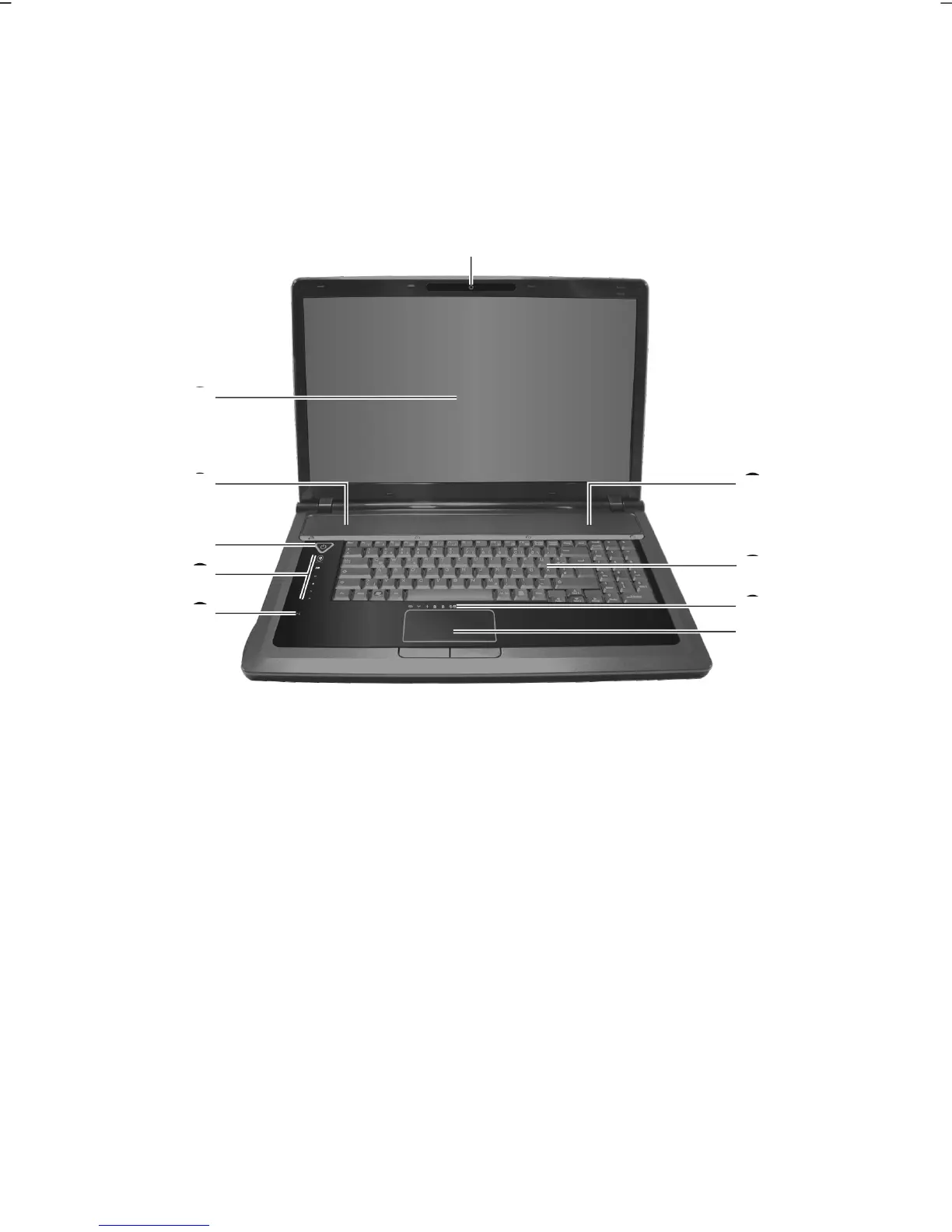
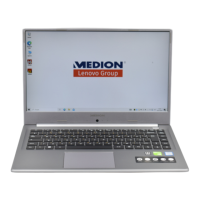
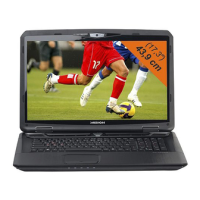
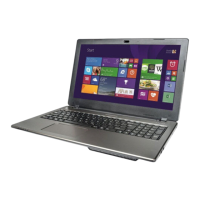
Open Notebook
(Diagram the same)
1 - Webcam (optional) ................................................................. ( p. 56)
2 - Display .................................................................................. ( p. 33)
3 - Stereo speaker
4 - Power ON/OFF ...................................................................... ( p. 27)
5 - Multimedia buttons .............................................................. ( p. 17)
6 - Microphone ............................................................................ ( p. 48)
7 - Touchpad .............................................................................. ( p. 39)
8 - Device indicators ................................................................... ( p. 16)
9 - Keyboard ............................................................................... ( p. 38)
1
2
3
4
5
6
7
8
9
3



 To Next Page