Views
16
Device Indicators
LED's indicate the power and operating system states of the Notebook. The meaning of
each LED is:
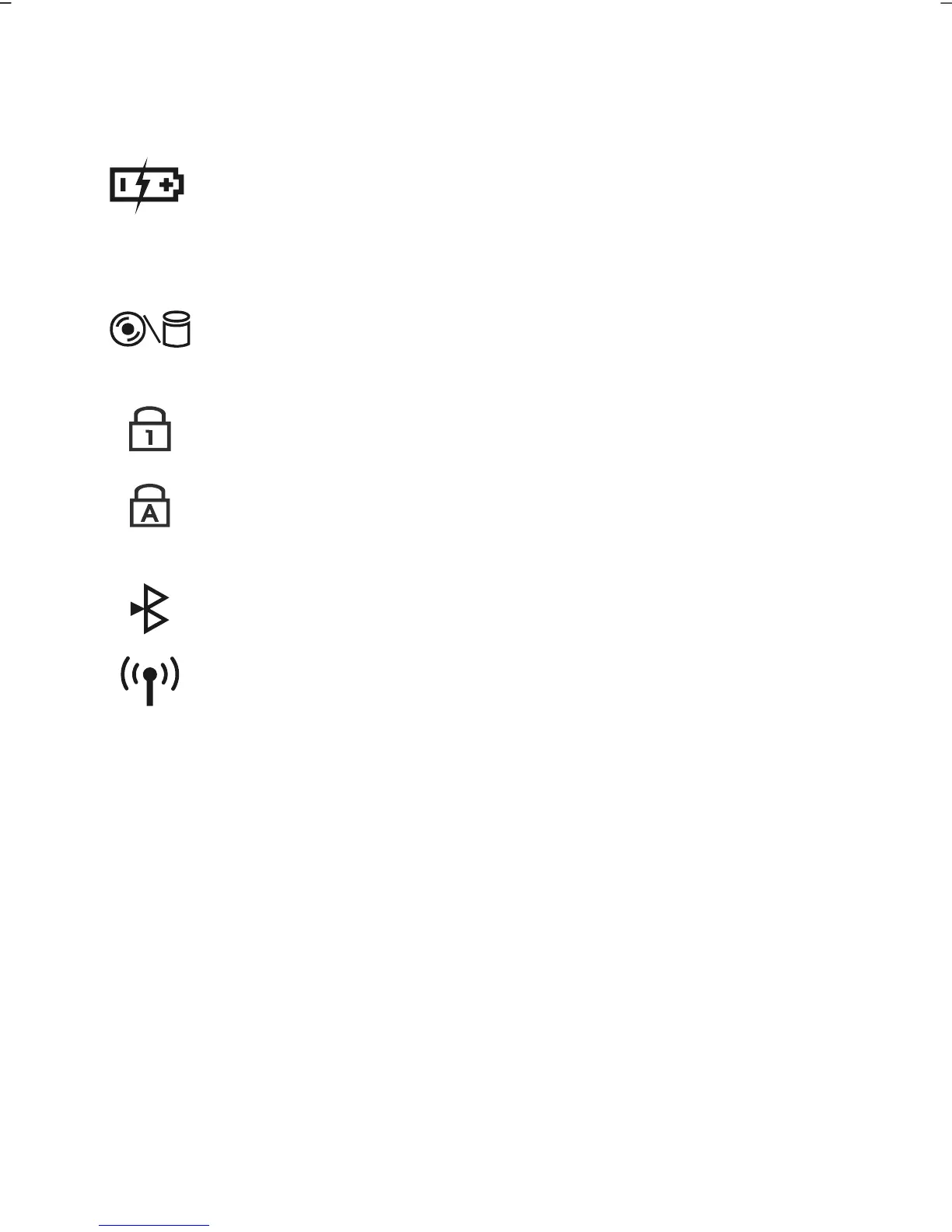
Battery LED
Below you will see the different meanings of the LED in various
situations:
On
Battery is charging.
Blinking
Battery is low.
Access indicator
This LED lights or flashes when the notebook is
accessing the hard disk or the optical drive.
Num Lock
This LED lights when NUM-Lock has been activated (NumLk).
Capital Lock
This LED lights when CAPS-Lock has been activated. This sets the
keyboard to capital letters.
Bluetooth LED (optional)
This LED lights when the Bluetooth function is activated.
WLAN LED (optional)
This LED lights when the WLAN function is activated.



 To Next Page