Slit Lamp Microscope USER MANUAL
24 / 29
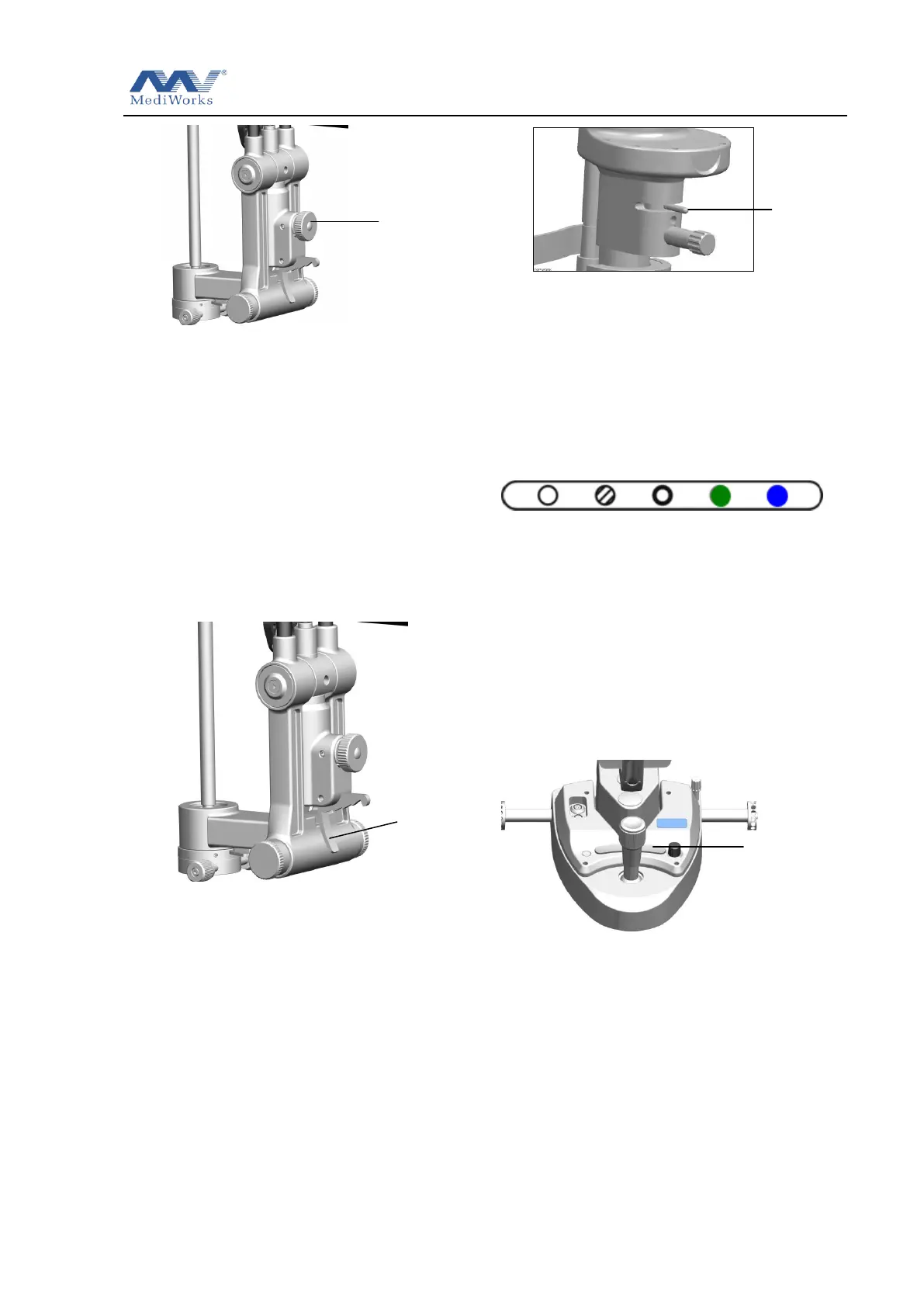
Figure3.4.4
5. Tilt the illumination light. When using a
contact lens and using a slit section view
or fundus examination, oblique
illumination is required. By pressing
down on the tilting lever, the lighting
components can be tilted from 5 to 20
(every 5th gear) (see Figure 3.4.5). Since
this method may touch the patient's
head, be careful.
Figure 3.4.5
6. Select the color filter. Rotate the filter
selector lever in the horizontal direction to
switch four different color filters into the
light path. Heat-absorbing filters are often
used to make the patient feel more
comfortable. Other filters should be
placed in the position of the
heat-absorbing filter after use. (See Figure
3.4.6).
Figure3.4.6
7. From left to right: white filter, heat
absorbing filter, light reduction filter,
red-free filter, cobalt blue filter. The white
film is only used when the factory is
calibrated, and the operator does not have
to use it.
3.5 Digital Module Set Operation
(S390L)
1. Capture button (see Figure 3.5.1), press the
capture button in the camera mode to take a
photo; press the capture button in the video
mode to start recording, press the capture
button in the recording state to end the
current recording.
2. When capturing images, make sure that the
beam splitter lever is in the pulled up position.
At this point, the microscope image can be
captured, and the light pass through eyepiece
will decrease and the field of view brightness
will decrease (see Figure 3.5.2).


 To Next Page