Slit Lamp Microscope USER MANUAL
14 / 29
Lock the observation system so that it cannot rotate
30 Power input
Used to supply power to the power module.
31 Power output
Used to power main lamp and fixation target.
32 Power switch
Press the power switch button once to turn it on, then press the button again shortly to
enter standby mode, and press and hold for 3 seconds to turn off all power.
33 Rail cover
34 Protect the rail surface Digital module set
Apply to S390L Mediview Image System
2 Installation
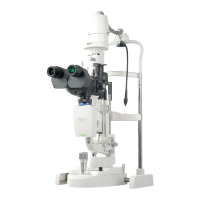
This section of the manual describes how to assemble the S360 /S390L WDR slit lamp. All
parts should be taken out with great care from the packing case before assembling.
2.1 Check List


 To Next Page