3. Manual testing
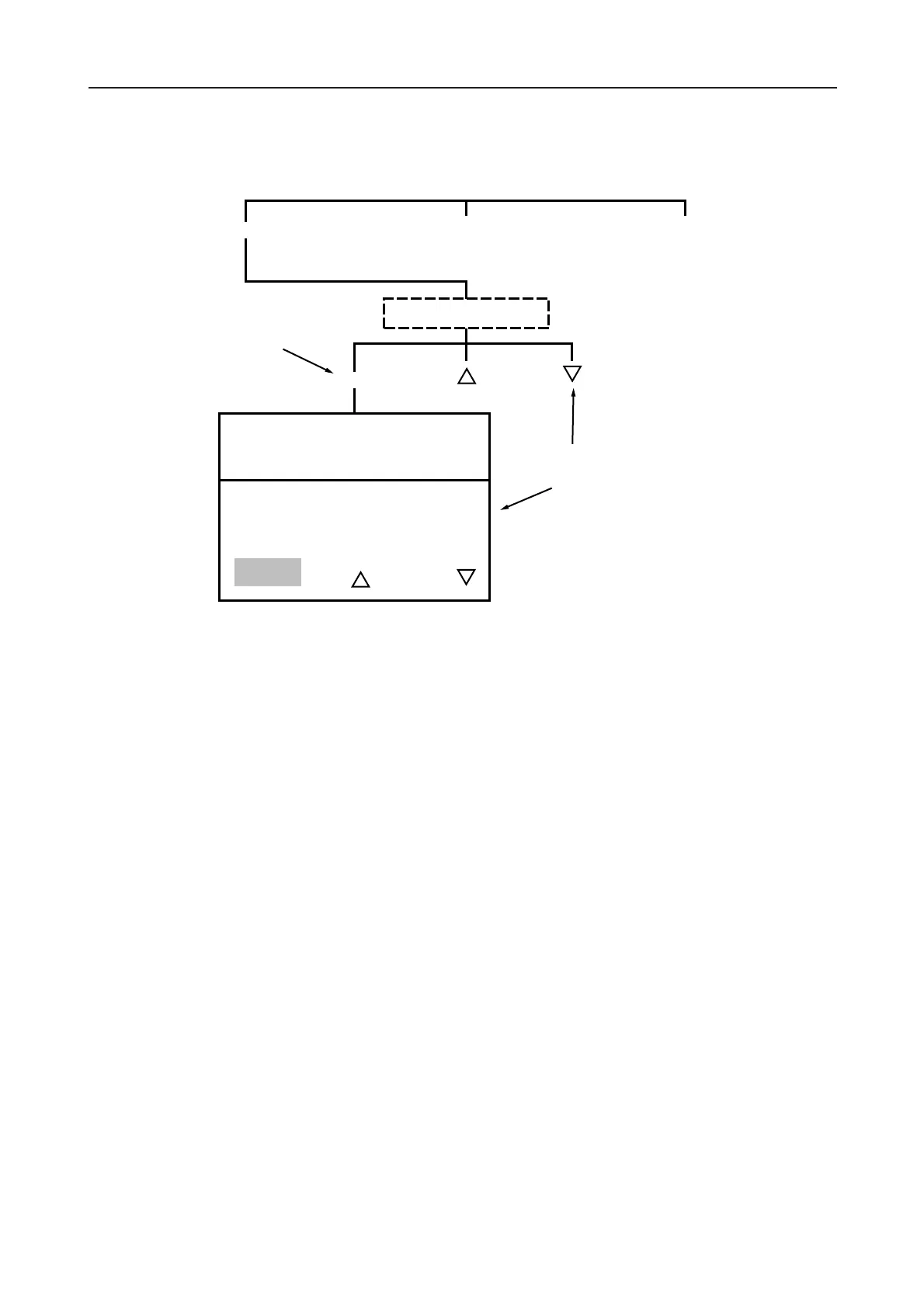
From the ‘CURRENT’ testing options screen press ‘MANUAL’. Preset the required test current using
‘up-arrow ‘or ‘down-arrow’ keys.
Pressing ‘START’ automatically begins a test and causes the current to rise to the set level. It will
remain at that level until the ‘OFF’ key is pressed (this choice leads back to the current testing option
screen). To increase or decrease the test current during the test, use the respective arrow key to alter
the ‘SET CURRENT’ target value.
13









 To Next Page