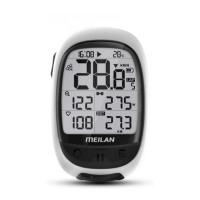
Press the right top button to confirm and go to the next step “Setting the
units of measurement”.
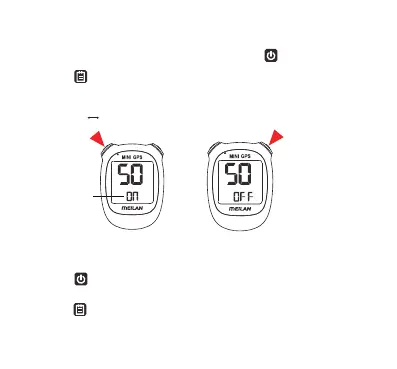
3. Setting the sound
Change the ON/OFF of device sound by pressing the left top button.
Blinking
4. Setting the units of measurement
When the left top button is pressed, either “KM/H” or “MPH (mile)” is
selected for the speed unit display. Select the display as usual.
Press the right top button to confirm and go to the next step “Setting the
ODO”.
OFF ON
Confirm and Go to the Next Step
9


 To Next Page