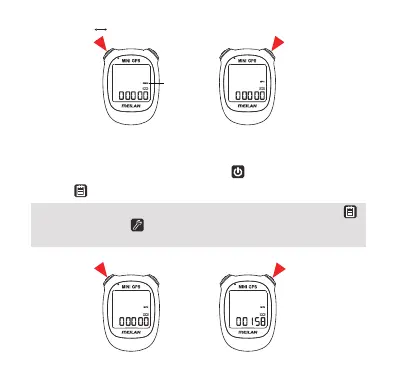
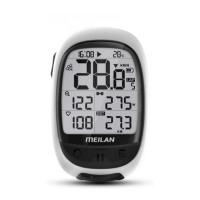
* When you have set the ODO and completed the setting by pressing the
right top button or the setting button,you will enter GPS searching and
measurement screen.
Blinking
Confirm and Go to the Next Step
KM/H
MPH
5. Setting the ODO
Change the value of the ODO by pressing the left top button.
Press the right top button to confirm. Until the ODO is changed.
Confirm and Go to the Next StepChange the ODO
10


 To Next Page