Installation and setting up
4
Installation and setting up
Please read the User Manual of the steam sterilizer and the water
treatment unit before setting up the
If the steam sterilizer has already been put into operation, please observe
the following before setting up again in case of any eventual transport:
■ To transport the steam sterilizer
, for instance if the practice moves to
a new location, wait until the pressure indicator on the manometer
display shows null bar after the steam sterilizer is switched off. Be
sure to check the pressure indicator on the manometer before
moving the steam sterilizer
■ To transport the unit over longer distances, an authorised person
must prepare the steam sterilizer beforehand according to
instructions and completely empty the double jacket steam generator.
In order to do so, you can use the Draining program.
Failure to observe these guidelines may lead to severe burns and
damage to the steam sterilizer as well as malfunctions.
The steam sterilizer sterilizes on the basis of the fractionated vacuum. A
membrane
pump is used to create the especially deep vacuum. The
can thus come into operation without additional installation
other than providing the power supply
. Please follow the following
important instructions concerning the
optional connection of a one way
and general information for the proper installation which must be
observed when setting up the device.
Removal from the packaging
Lift the steam sterilizer out of the carton with the carrying strap.
To remove the carrying strap, unscrew the four screws on each side of the
housing. Retighten these screws firmly without the washers.
Keep the carrying strap and the washers.
After switching on the steam sterilizer and before initial start-up, open the
door and remove the trays and the accessories from the chamber.
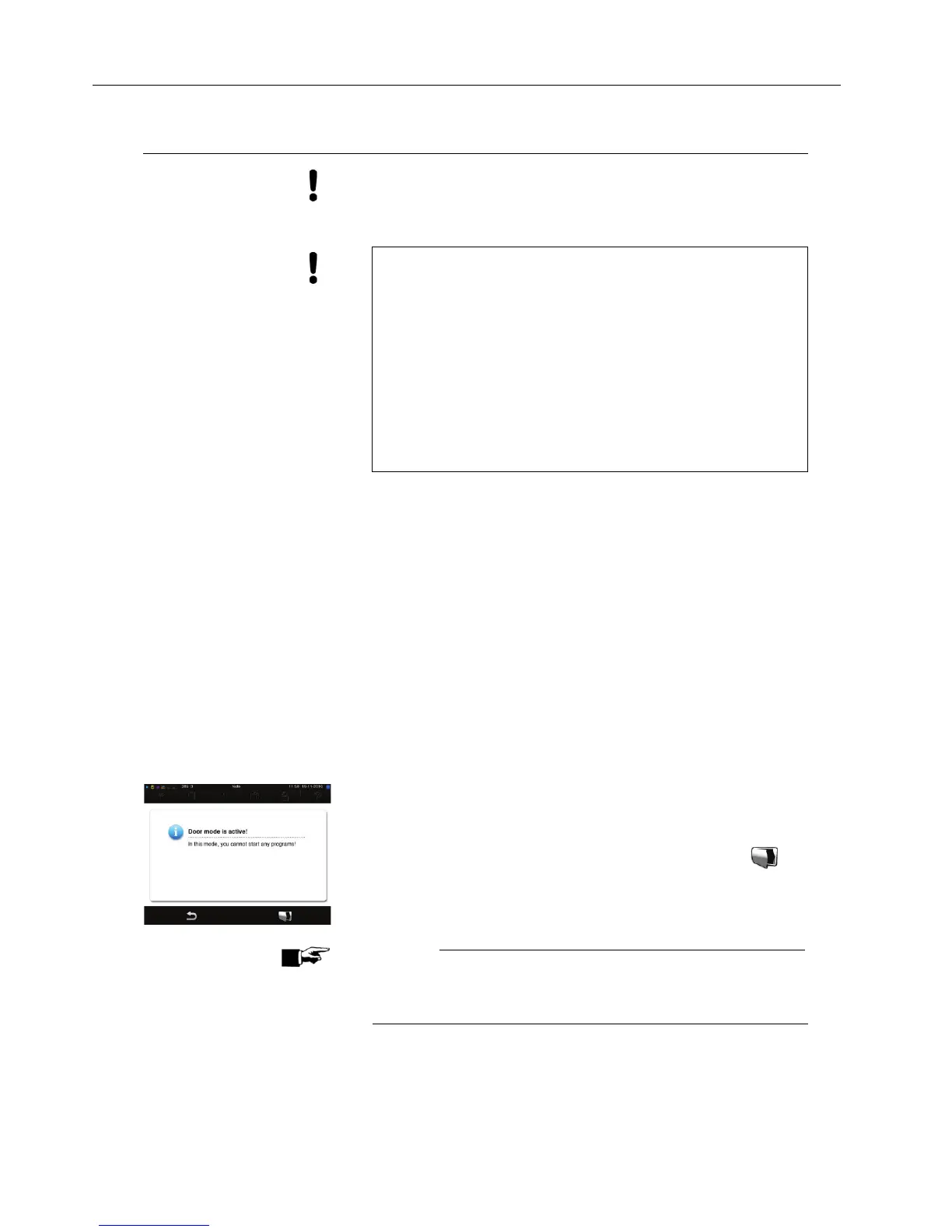
To do this you must go into door mode as below, immediately following the
a
ppearance of the start screen “Welcome”:
At the start screen image Welcome, press and hold the second
button from the right in the action bar until the display changes to the
next window. After, the door can be opened by pressing the
symbol.
NOTICE!
After 5 seconds of inactivity, the display automatically switches back to the
Program
s & Tests menu. The steam sterilizer then begins to suck in
the feed water needed for the
sterilization, which triggers an error












 To Next Page