Operation Part Unsetting the System
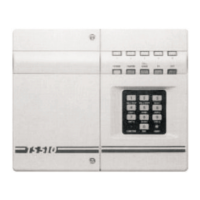
The TS2500 can store up to 10 pre-defined
part set groups, each group is allocated a
combination of wards, e.g. "PART SET GROUP
1" could be allocated wards A and C,
whereas "PART SET GROUP 2" could be
allocated wards A and B etc.
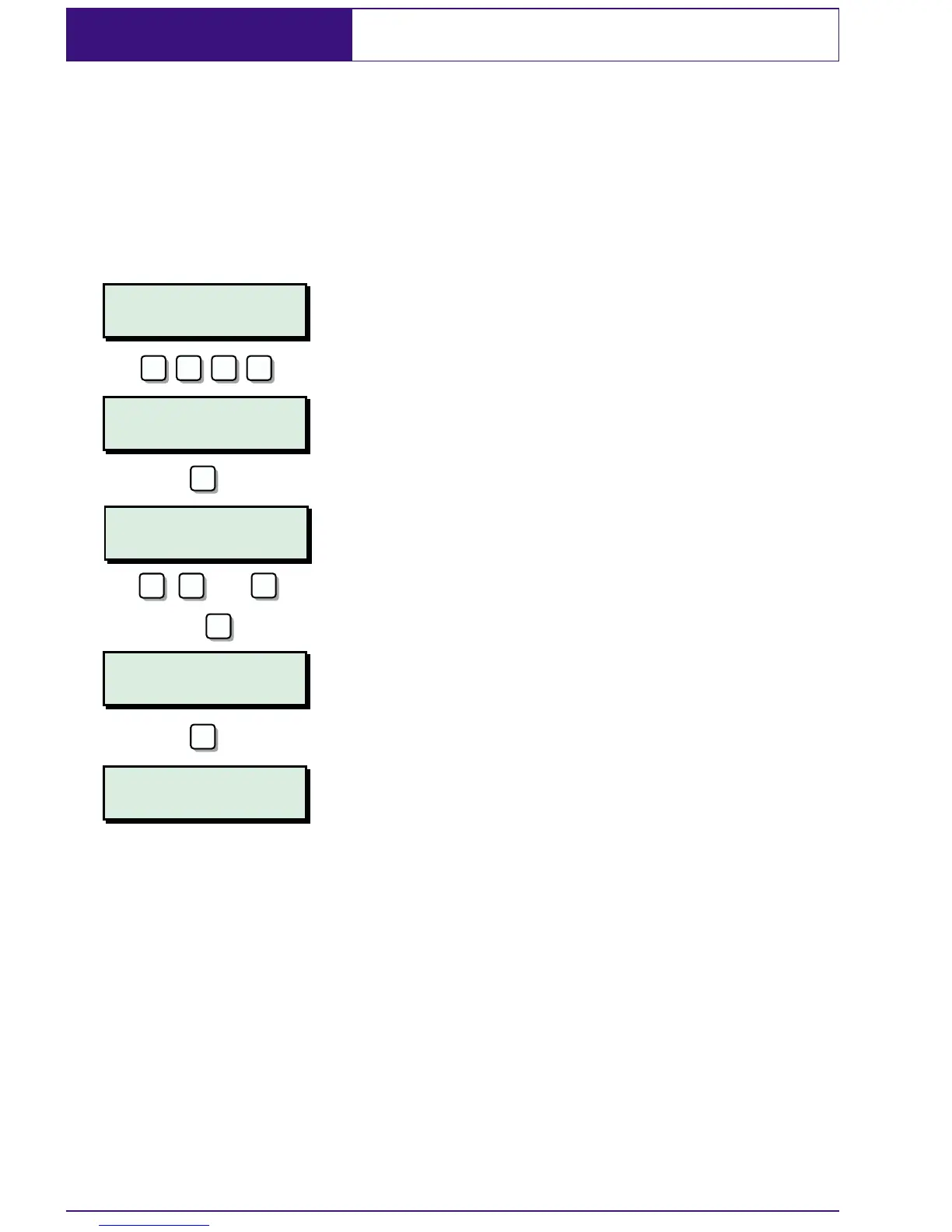
1. At the designated remote keypad enter
your passcode.
2. Press B to select the PART SET GROUPS.
3. Select the group by pressing 1 - 9 or 0.
As you press the keys the top line of the
display will show the group description
and the bottom line will show the wards
that will be unset.
4. When you have the required group
displayed press
[ to unset the selected
group.
16
?
ABCD............
17:30 Sun 01 JAN
0=UNSET WARDS
A=Next option
MAIN OFFICE
AB..............
SALES & ACCOUNTS
..CD............
AB..............
17:30 Sun 01 JAN
? ? ?
B
ENT
1
0
9
or
-
2
e.g.


 To Next Page