User Menu 1 Introduction
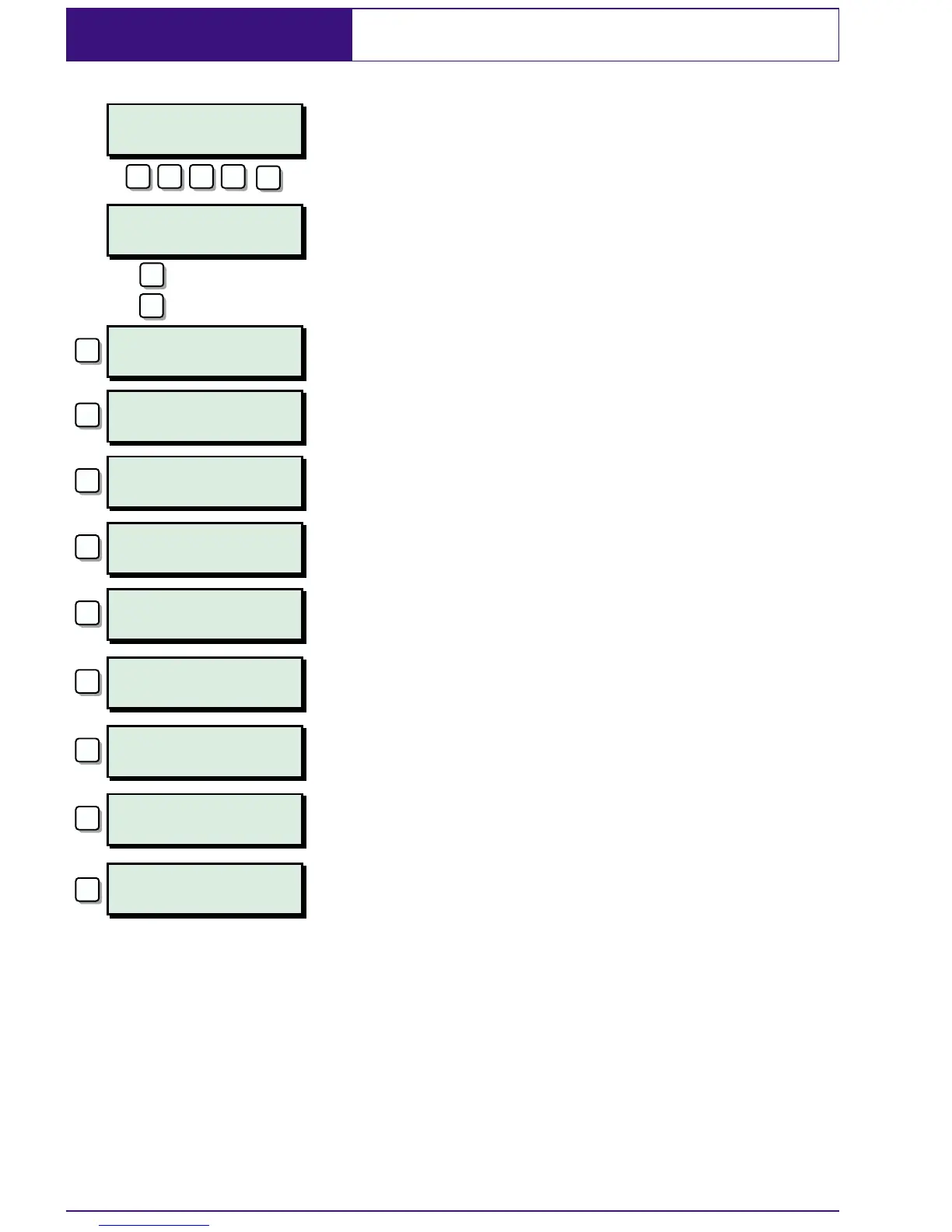
User menu 1 is accessed by entering your
passcode followed by
[ There are 9 menu
options and access to these options will
depend on your access level.
Each option has a "hotkey" and can be
selected by pressing the relevant number,
e.g. "Do Walk Test" is assigned to key
2,soto
select the weak test option press
2 followed
by
[.
Alternatively you can use the
A & C keys to
scroll forwards and backwards through the
available options. As you press the
A & C
keys the bottom line of the display will show
the selected menu option. When you have
found the required option press the
[ key to
perform the option.
To leave user menu 1 and return the system
to its original state simply keep pressing the
] key until the display shows the time and
date.
22
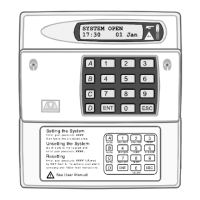
SYSTEM OPEN
17:30 Sun 01 JAN
User menu 1
Select option :-
User menu 1
Do Bell test
User menu
Do Walk Test
User menu 1
Use remote reset
User menu 1
Change passcode
User menu 1
Select chime
User menu 1
24hr omit/unomit
User menu 1
Omit circuits
User menu 1
Silent set wards
User menu 1
Set/Unset menu
ENT
1
A
? ? ? ?
C
2
3
4
5
6
7
8
0
= Forwards
= Backwards


 To Next Page