User Menu 1 Selecting User Menu 2
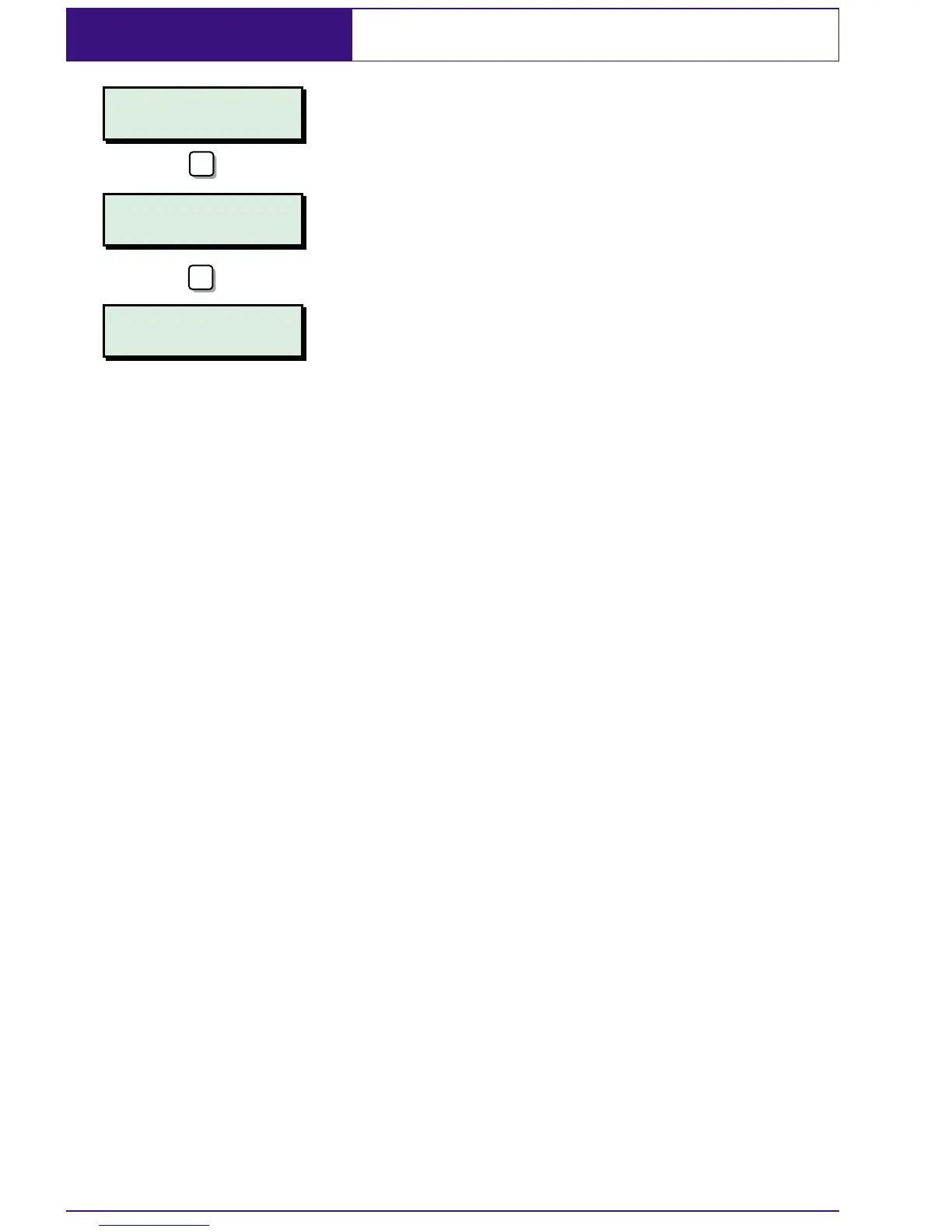
User menu 2 is accessed by pressing [ whilst
"User menu 1 Select option :-" is displayed.
To leave user menu 2 and return to user
menu 1 simply press the
] key.
This manual does not cover the procedures
available in user menu 2. For full details of
user menus 2, 3 and 4 please refer to the
"Managers Operating Manual".
32
User menu 1
Select option :-
User menu 1
Select option :-
User menu 2
Select option:-
ENT
ESC


 To Next Page