Operation Resetting after an Alarm
Each ward can be configured to be reset by
one of the following methods:
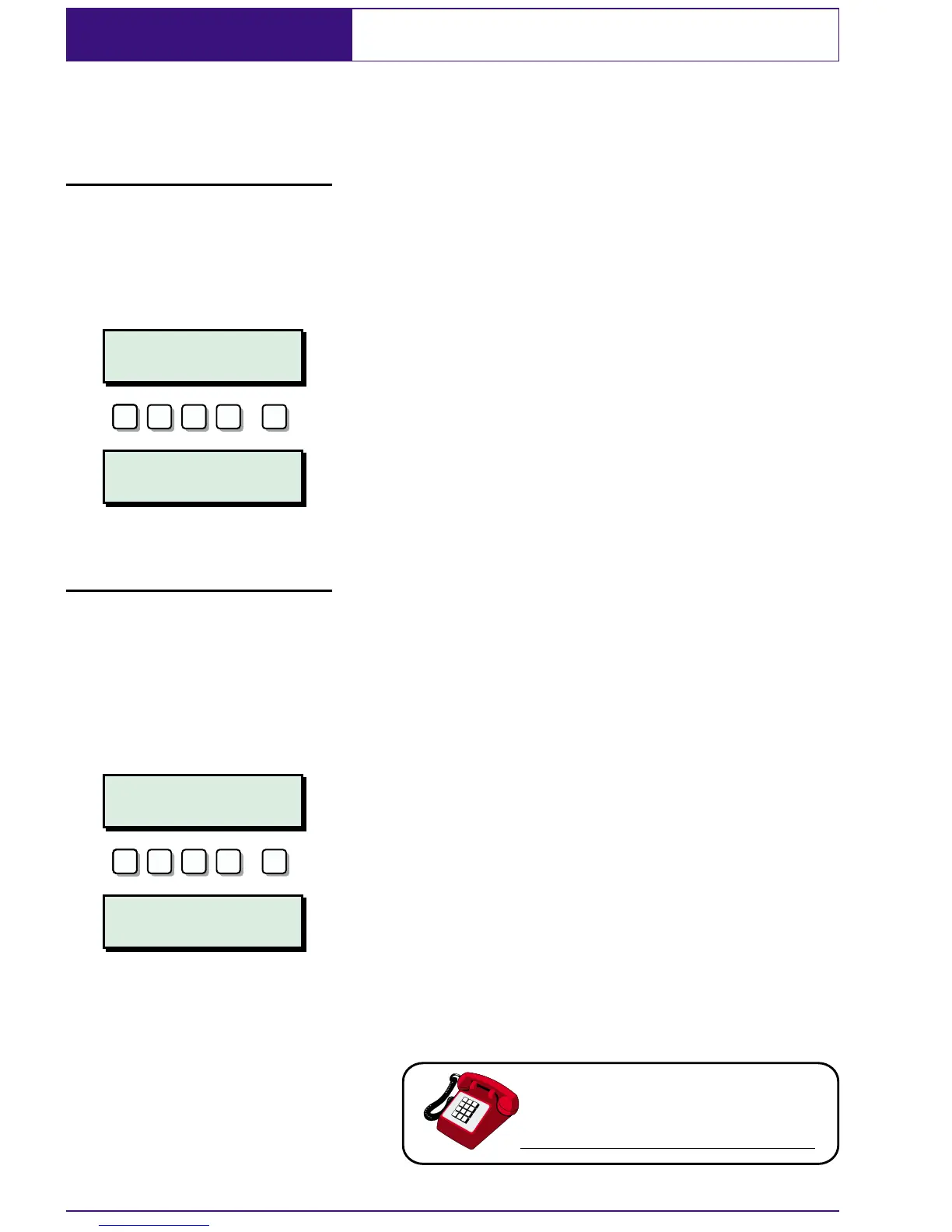
User Reset Full alarms generated in a ward that is
configured as user reset can be reset by any
user that has access for that ward.
From step 5 of "Unsetting after an Alarm":
1. At the designated remote keypad enter
your passcode.
2. Press ].
3. Your ward(s) is now reset.
Engineer Reset Full alarms generated in a ward that is
configured as engineer reset can only be
reset by the engineer.
From step 5 of "Unsetting after an Alarm".
1. At the designated remote keypad enter
your passcode. This will silence the reset
warning chime.
2. Every minute the display will inform you
of the action to take (normally "CALL
ENGINEER TO RESET SYSTEM" although
your alarm company can change this
to more relevant information).
3. Contact your alarm company.
20
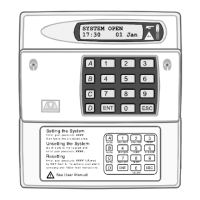
SYSTEM OPEN
15:45 Sun 01 JAN
ENT
???? ? ? ?
ALARM 2002
15:00.30 01/01
ESC
CALL ENGINEER TO
RESET SYSTEM
ENT
???? ? ? ?
ALARM 2002
15:00.30 01/01
ESC


 To Next Page