Model 700A User's Manual The ROM Drive
Information in this document is subject to change without notice!!! Page 8-1
Chapter 8 The CD/DVD-ROM Drive
Depending on the model you have, your notebook is equipped with either a (32x max)
CD-ROM drive, or a (8x) DVD-ROM drive.
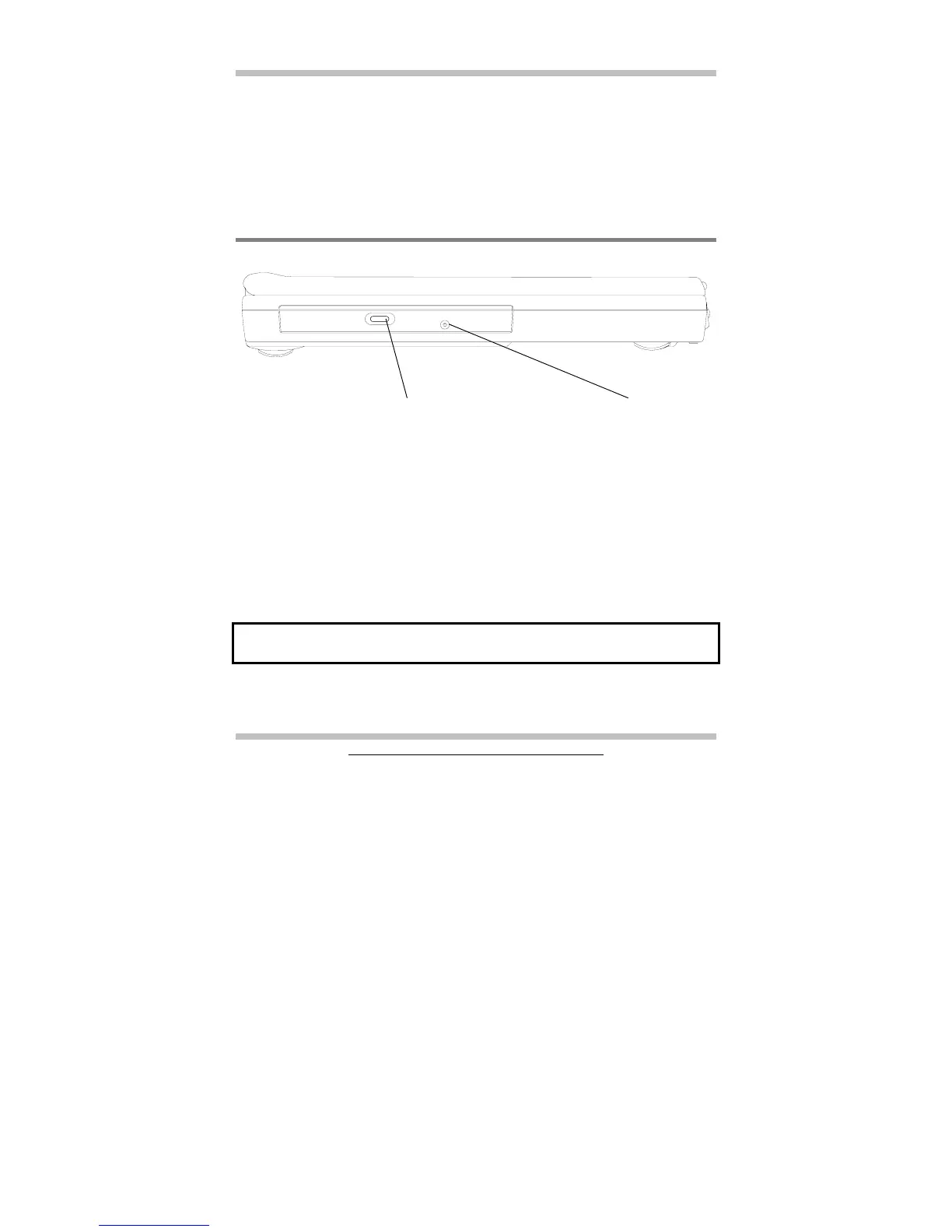
8.1 The CD/DVD-ROM Drive Panel
CD/DVD-ROM Drive Panel
Eject Button
Press this button to open or close the disk tray. When the Eject Button is pressed, you
will hear a clicking sound and the disk tray will eject.
Emergency Hole
When the notebook is powered off, the Eject Button does not function. To open the CD-
ROM or DVD-ROM drive, insert a metal rod (an extended large paper clip with diameter
of 1.2 mm or less is suitable) into this hole, then push the rod to eject the drive.
Note: Different CD-ROM/DVD-ROM models may have different front panel.
Eject Emergency
Button Hole



 To Next Page