Model 700A User’s Manual Appendix E
Information in this document is subject to change without notice!!! Page E-1
Appendix E - The LAN/Modem Combo Card
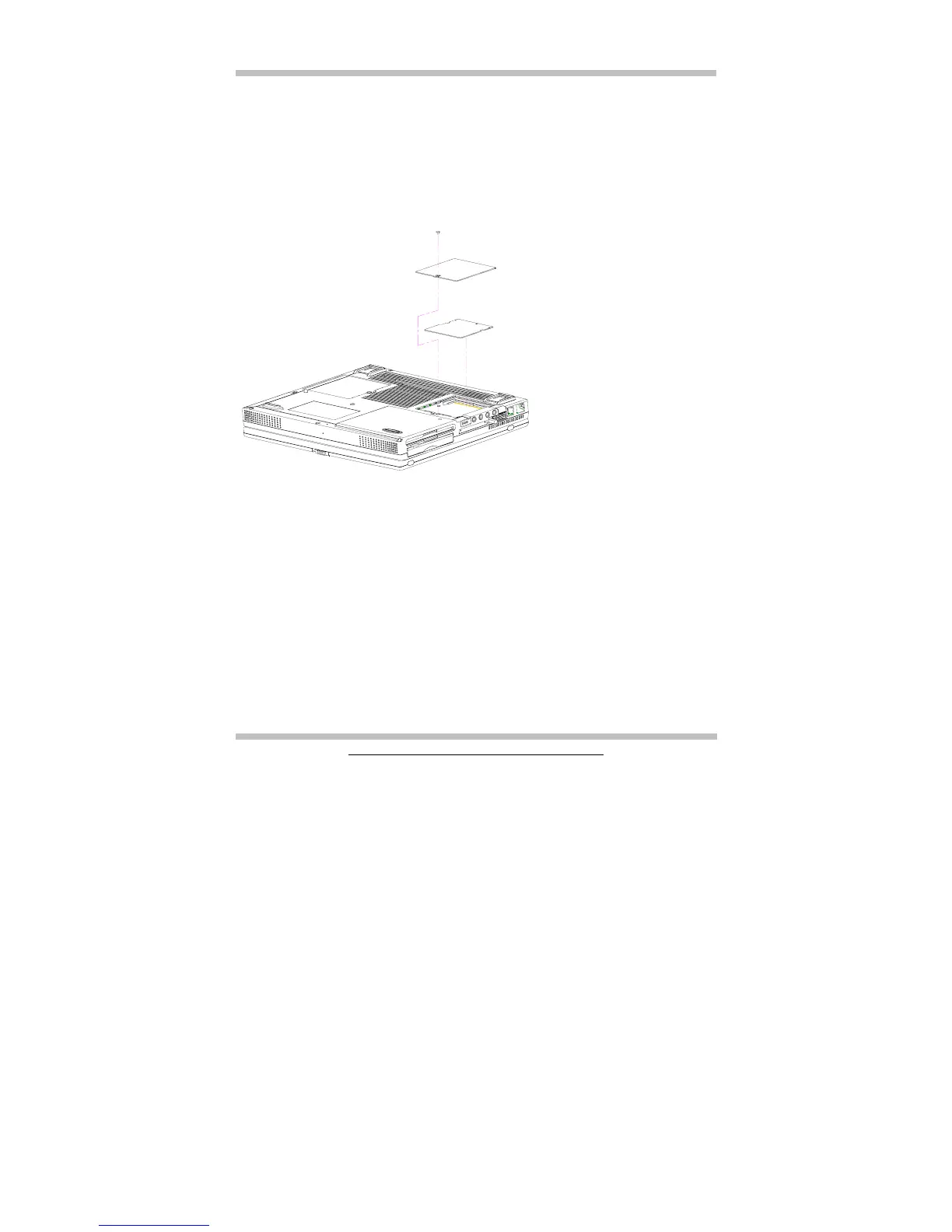
The optional LAN/Modem Combo Card combines two functions into one card: namely
the Ethernet LAN connection, and Fax/Modem connection. The LAN/Modem Combo
socket is conveniently located on the chassis of the system unit. Below is the procedure
on how to install this combo card.
• Power off the system unit; and have it flipped upside down.
• Un-screw the screw that locks the door of the combo compartment.
• Insert the combo card into its socket. For detail on how to insert this combo card,
please refer to the second diagram in Chapter 7.2.
• Install the related drivers. For detail, please refer to Chapter 10.
Need updates



 To Next Page