33
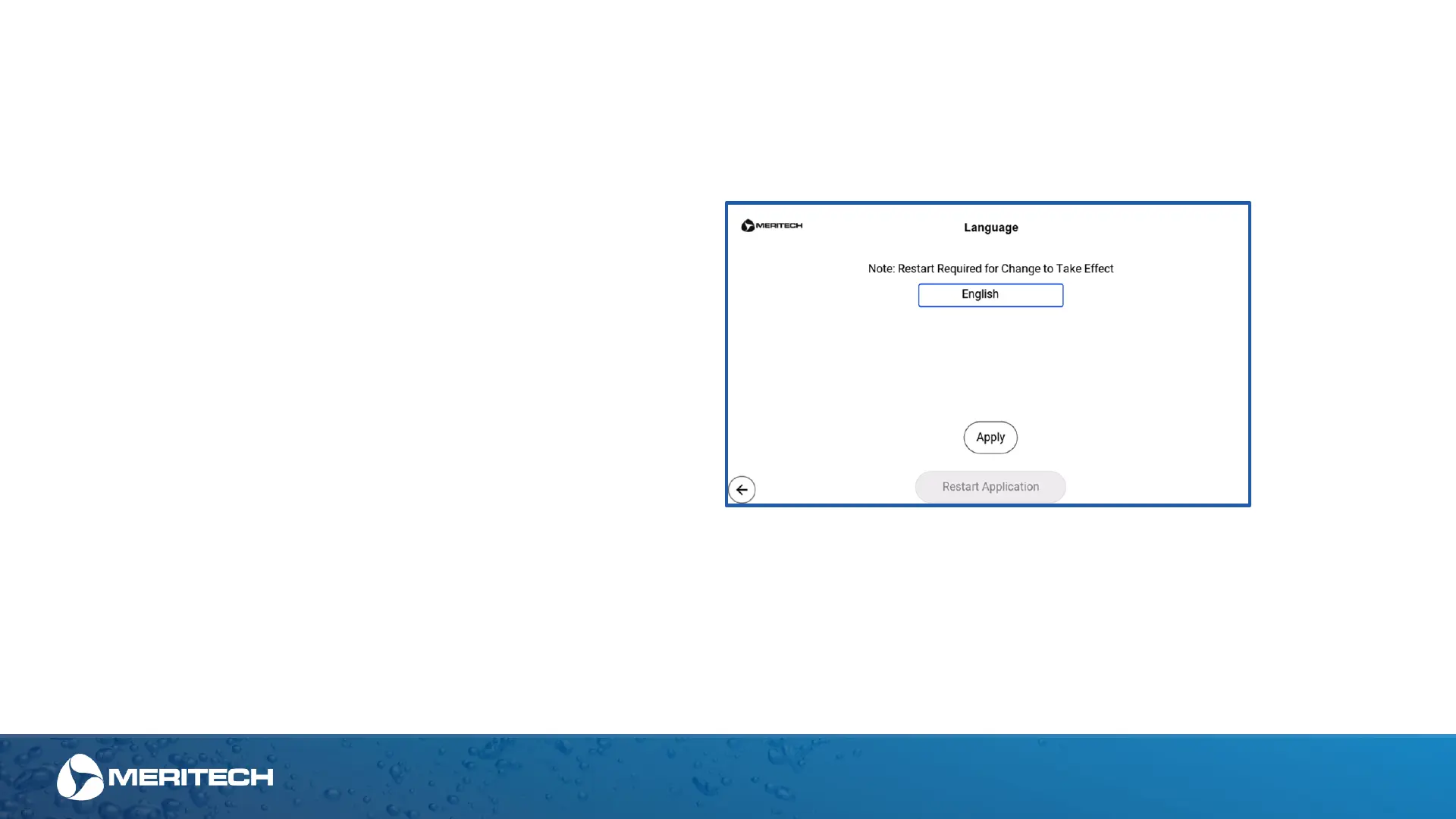
This screen allows you to set the language for the EVO
Handwashing Station. Right now, only English is available,
however other languages are being developed.
To change the language, click on the English bar above to
then scroll through a list of languages and hit “Apply”.
Restart of system will be needed for the change to take
effect
Admin Area Settings – Language


 To Next Page