17
Section 3
How to use the display touchscreen
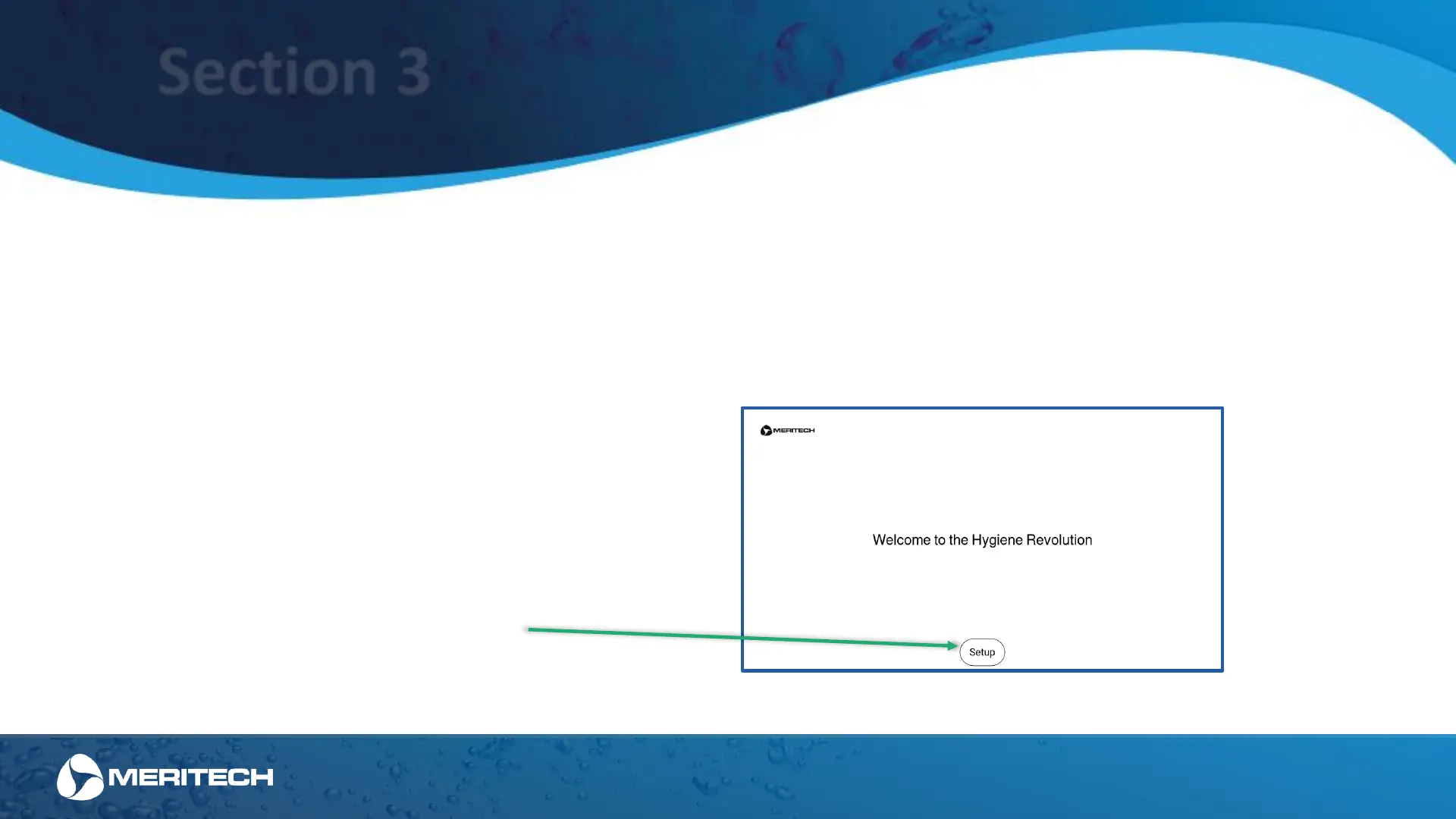
Welcome Screen
The CleanTech
®
EVO station has been designed to be intuitive for users to both use and setup. Over this next section we'll dive into how the touchscreen display
on an EVO station works during the setup process. Please note: touch the screen with a firm touch, the screen was designed to be durable so it will not respond
to a light touch. For additional help using the display, please contact the Meritech support team at support@meritech.com or 1 (800) 932-7707.
The initial welcome screen will begin walking you through
setting up your CleanTech EVO Station.
This welcome screen will appear every time the system is
powered on. If the station has been previously setup, use
the "skip" button to bypass this process.
Press the "Setup" button to start the setup process
Station Setup Screens


 To Next Page