PROGRAMMING NUMBER PADS 3
Select EDIT A CATEGORY NAME
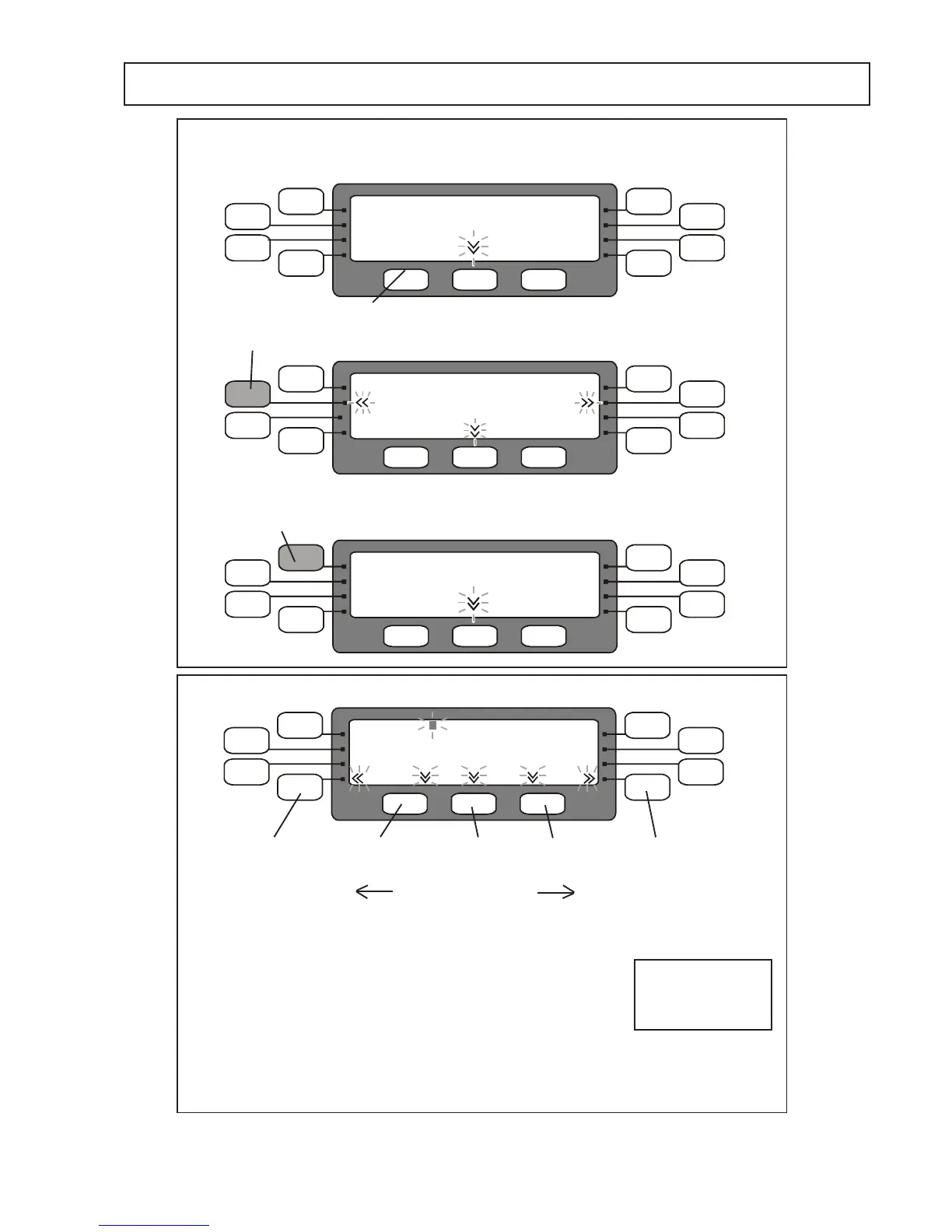
TO ADD or EDIT A CATEGORY NAME
To enter a new character use NEXTtomovetheashing
cursor to the position to be edited and press the corresponding
function pad for the character required and press ENT to select
it :
e.g.
for D press the top left pad 4 times then ENT
Tobackspace,movebackacharacterpress BACK
To delete the selected character press DEL
SelecttheCategoryNametobe
edited e.g. CAT 001



 To Next Page