12
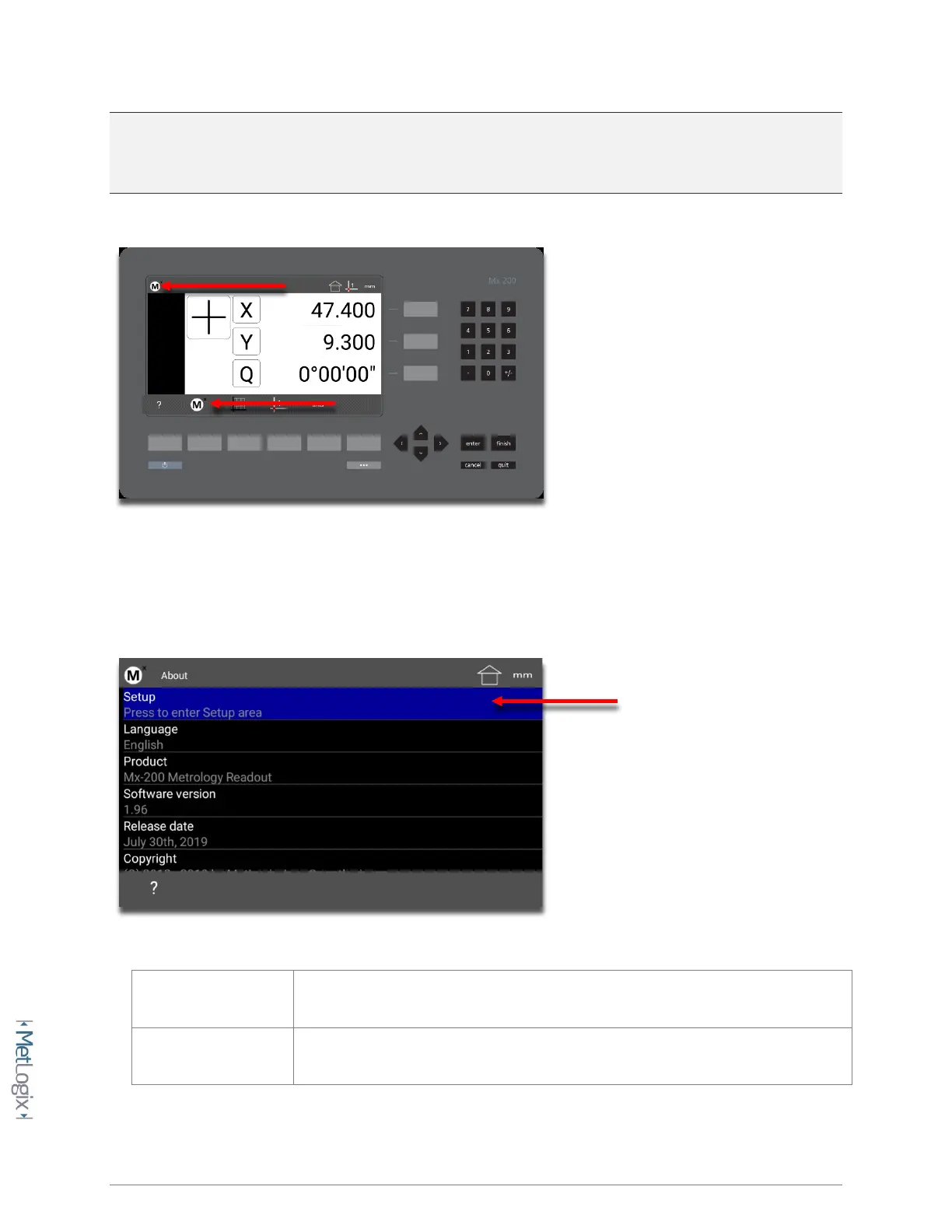
ENTERING SETUP: Enter the Mx200 Information and Setup Screens by pressing either the touchscreen
“Mx” button in the top left corner of the screen, or by pressing the “Menu Button” and then choosing
the “Mx” softkey button.
Once in the Information screen, the first menu item called “Setup” will grant access to the setup menu
items. The remaining items listed provide information about the Mx200 readout itself, including;
Menu Item Description
Setup Press to access the main Setup Menu.



 To Next Page