14
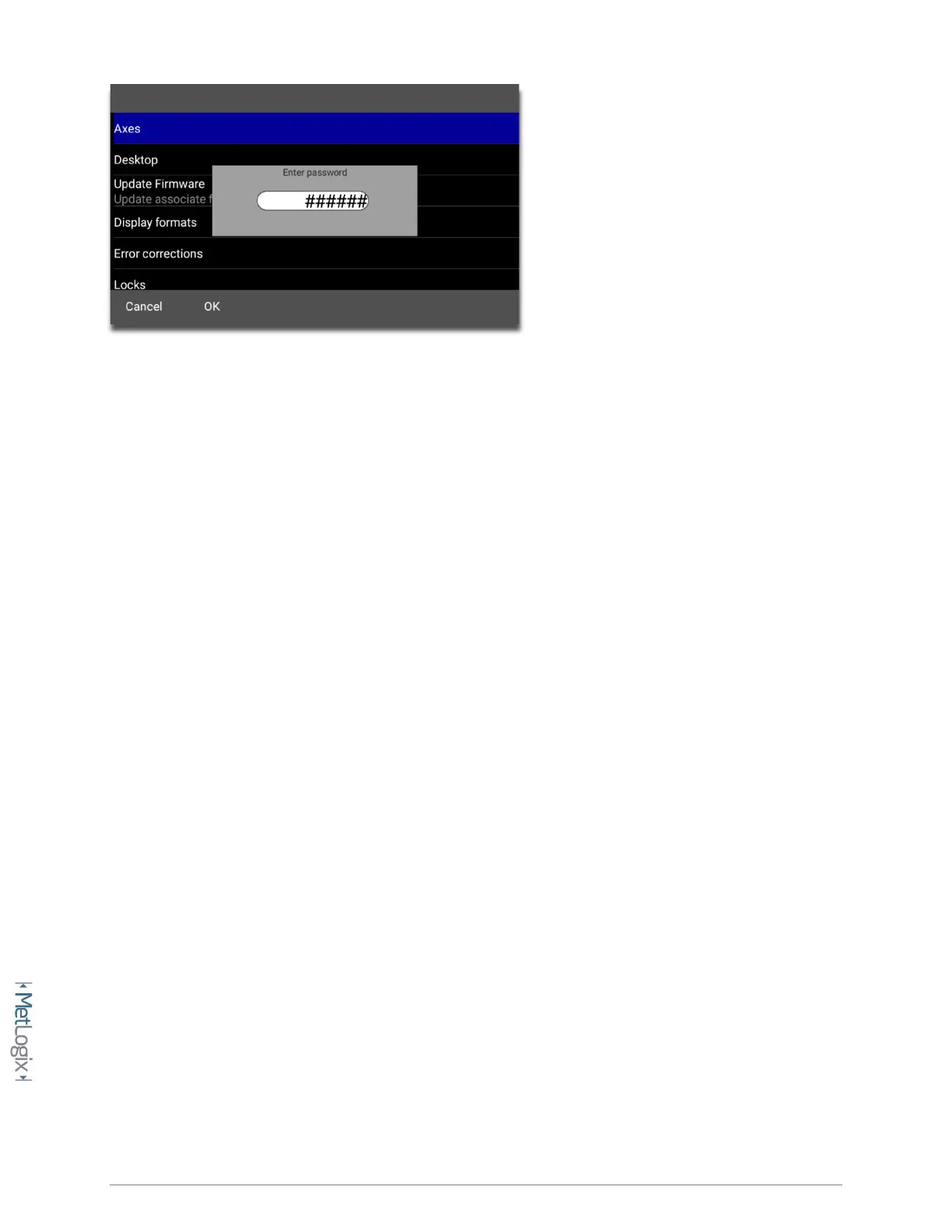
To enter the Mx200 password;
• Navigate to the Setup Menu and Scroll to the Password menu item.
• Press Enter and then key in “XXXXXX” using the numeric keypad.
• Press “Finish” to confirm the entered password.
• A small message should appear briefly indicating “supervisor mode”.
• To Remove the password, simply highlight the “Password” settings item and press the
“Right Arrow” key. A small message should appear indicating “user mode”.
2.4 The Setup Menu
Most setup parameters in the Mx200 are configured using screens and data entry fields accessed via the
setup menu items. Highlighting a setup menu items and pressing “Enter” grants access to that menu
items’ submenu or displays a numeric entry field(or softkey option) for modification of that particular
parameter.
The Mx200 setup menu is easily navigated using the following step;
• Press the MENU key(Mx Button).
• Highlight the Setup Menu item and press “Enter”.
• Scroll to the desired setup screen and press “Enter”.
• Highlight the desired setup parameter and press “Enter”.
• Use the keypad for numeric entry, or the softkeys to select setting for that parameter.
• Press the “Finish” key until the Setup Menu is fully exited.



 To Next Page