15
2.5 System Settings Import/Export
The Mx200 readout has the ability to Import or Export a System Settings file from an attached USB drive.
This allows for quick and convenient loading of previously configured setup parameters to an un-
configured Mx200 readout. This also allows backups of existing parameter sets to be stored for use on
another device, or as a settings backup for the current device.
To Import or Export an Mx200 settings file from the USB port;
• Put a USB storage device into the USB port of the device. If Importing a settings file, ensure the
Mx200 settings file is at the root of the USB device.
• Press the MENU key(Mx Button).
• Highlight the Setup Menu item and press “Enter”.
• Scroll to the “System” setup screen and press “Enter”.
• Select the “Import Settings” softkey to Load a settings file from USB, or the “Export Settings”
softkey to store your current settings to the USB device
• Confirm your selection by Pressing the OK or Cancel softkey
2.6 Encoder Settings
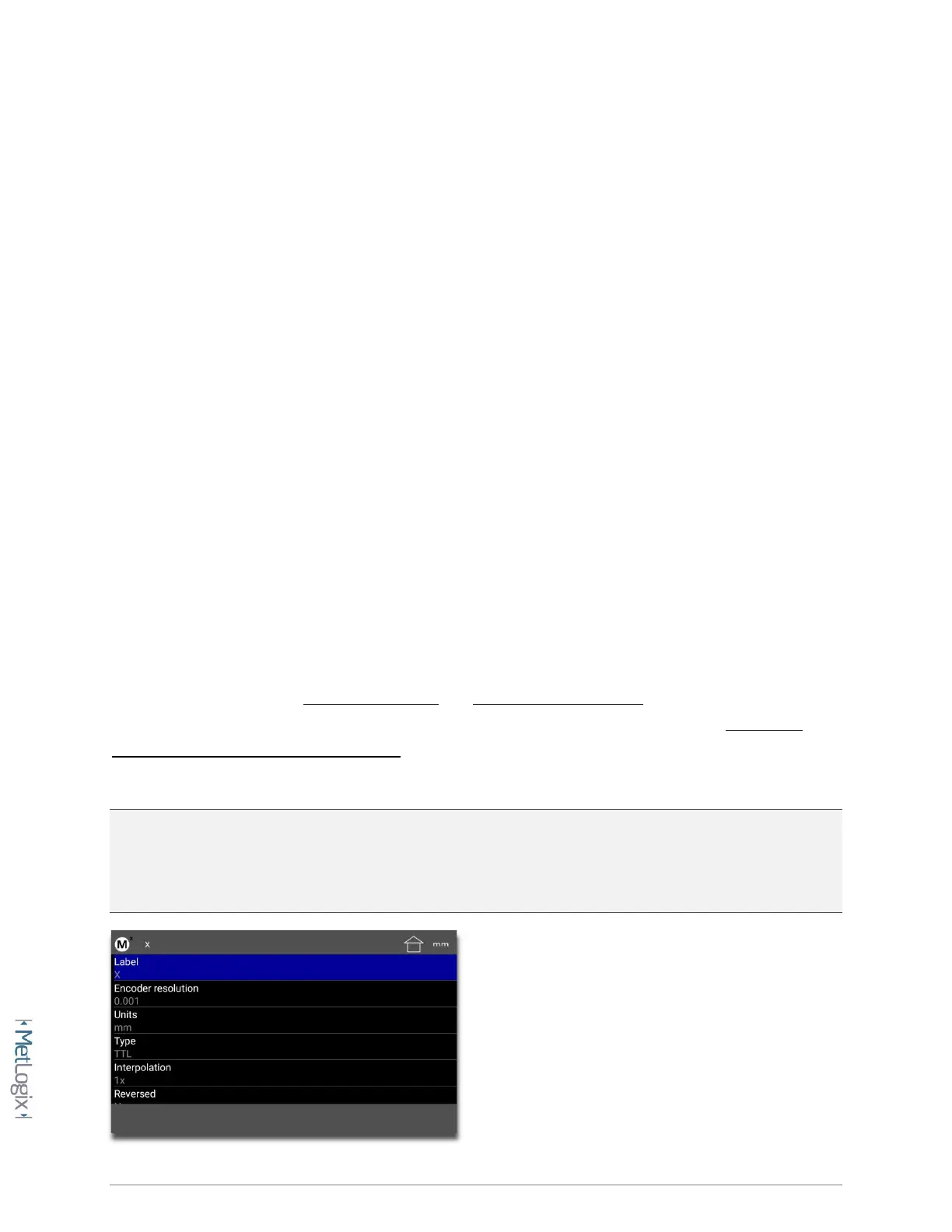
Proper configuration of the encoders in the Mx200 setup is critical for achieving accurate measuring
results from your machine. Encoder Resolution and Encoder Count Direction are the two most
important settings for achieving this accuracy. Additionally, systems requiring advanced Stage Error
Correction methods such as SLEC or NLEC will require that Reference Marks also be configured, to
ensure reliable identification of the machine coordinate zero position each time the machine is used.
NOTE: All settings described below apply to the X, Y, and Z axis setup in the Mx200. The descriptions
below may reference a particular axis but are intended to apply to each axis, X, Y, or Z. The Q(Rotary)
Axis Encoder Resolution contains an additional teach function which will be referenced separately
below.



 To Next Page