99-5814
5
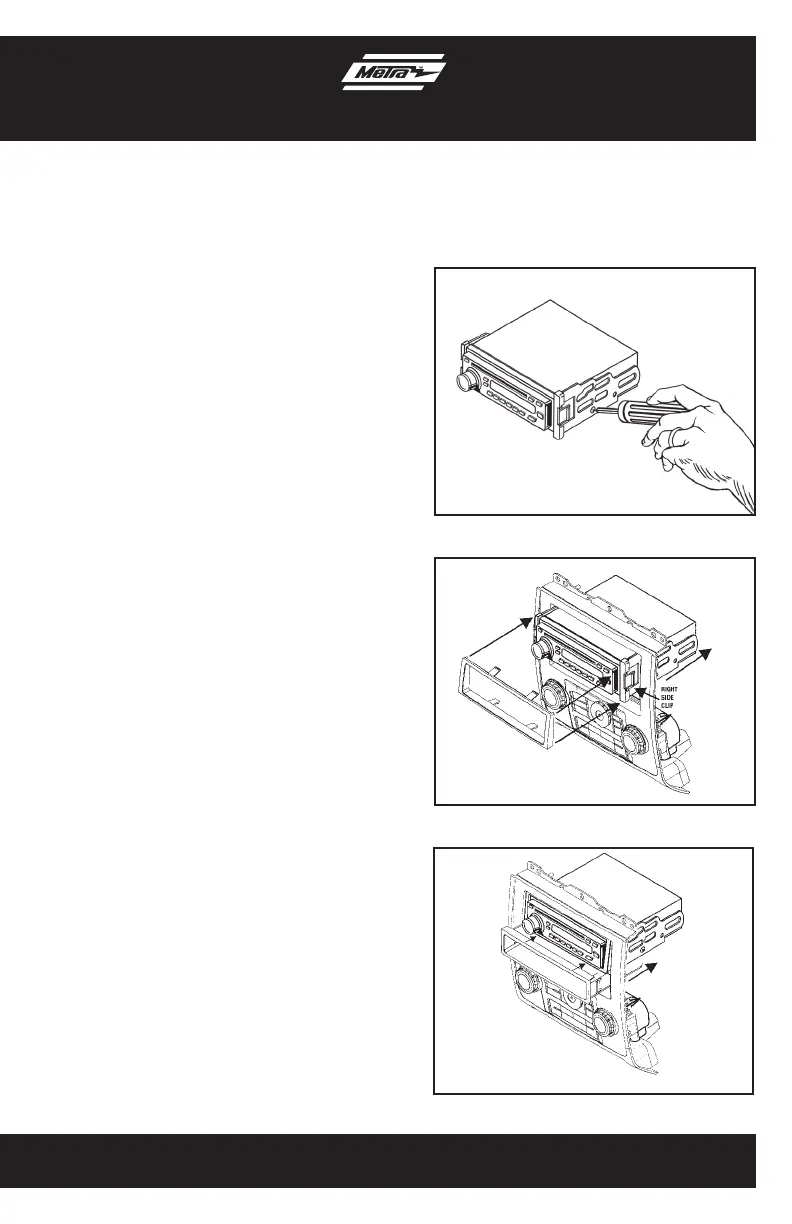
1. Mount the ISO Brackets to the radio
using the screws supplied with the
radio. (Figure A)
2. Slide the radio into the radio housing
until it snaps into place. (Figure B)
3. Snap the trim plate onto the front of the
Radio Housing. (Figure B)
4. Snap the Pocket into the radio housing.
(Figure C)
Reassemble dash in reverse order of
disassembly.
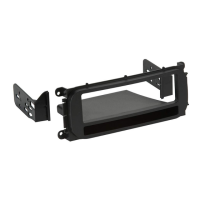
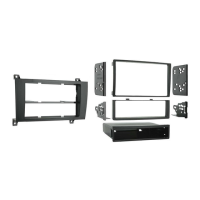
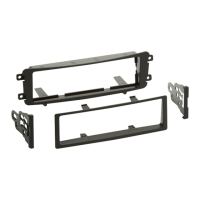
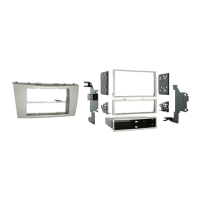
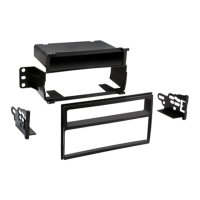
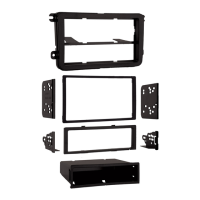
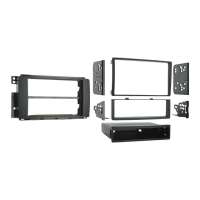
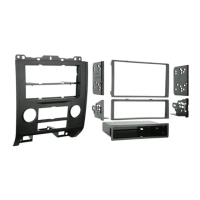
ISO Mount Radio Provision
With Pocket
(Figure A)
(Figure B)
(Figure C)



 To Next Page