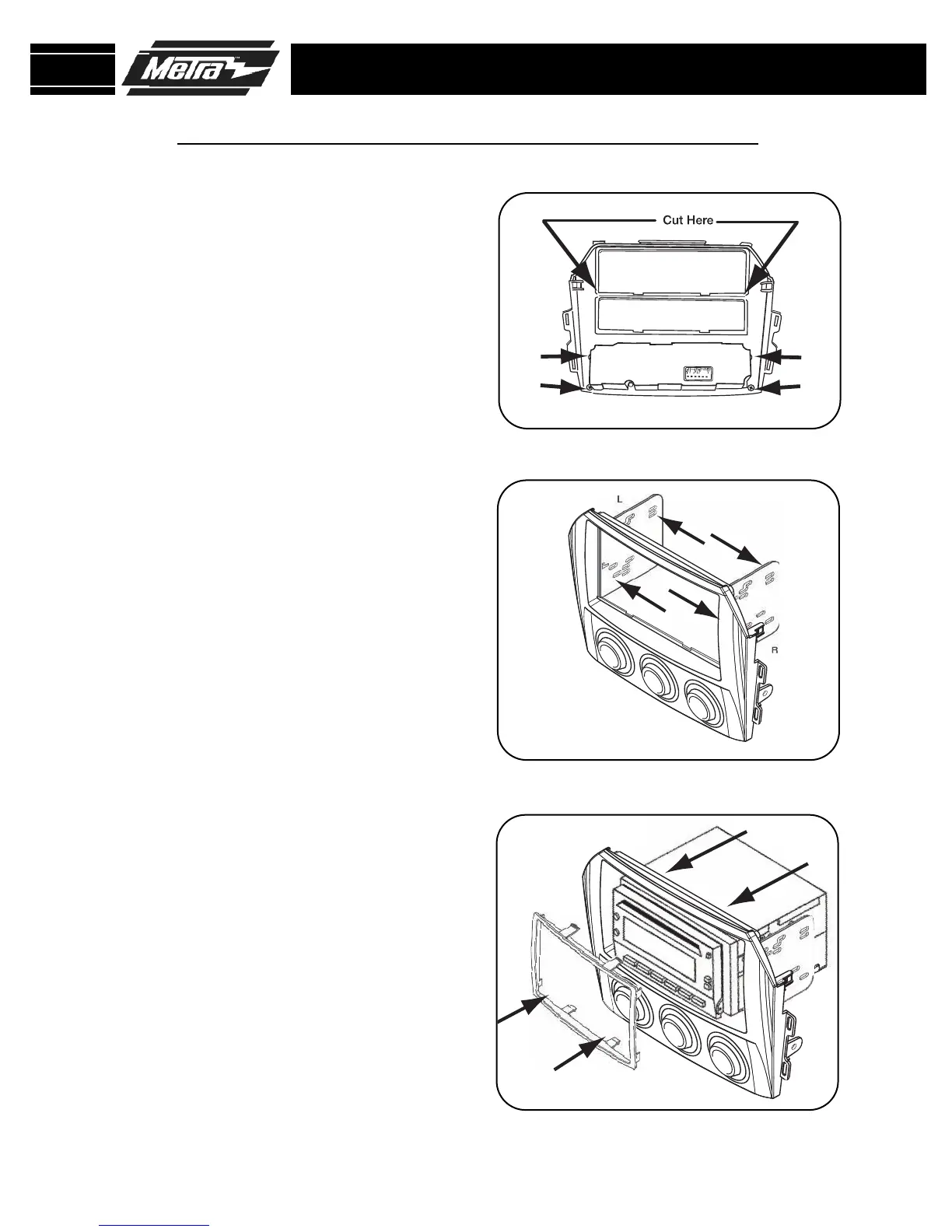
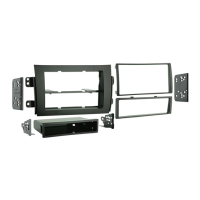
Slide the appropriate DDIN bracket
into the kit housing.
(Figure B)
3
C
Cut the rib in the middle of the 99-
7519B housing to make room for the
DDIN brackets.
(Figure A)
2
Slide the DDIN radio unit into DDIN
brackets and secure the unit to the
kit using the screws supplied with
the head unit.
(Figure C)
4
DOUBLE DIN HEAD UNIT PROVISION
99-7519B
KIT ASSEMBLY
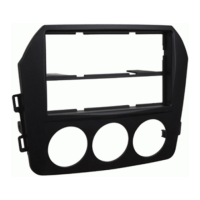
Turn over the 99-7519B housing,
take the climate control and screws
removed from the factory panel and
attach the climate control to the kit
housing using the factory screws.
(Figure A)
1
A
B
Snap the DDIN trim plate into the
front of the kit housing.
(Figure C )
5
7



 To Next Page