Insert a new module for the Multi Autolab Cabinet
Figure 28 – Adding a M101 modules to the Multi Autolab Cabinet (1/2)
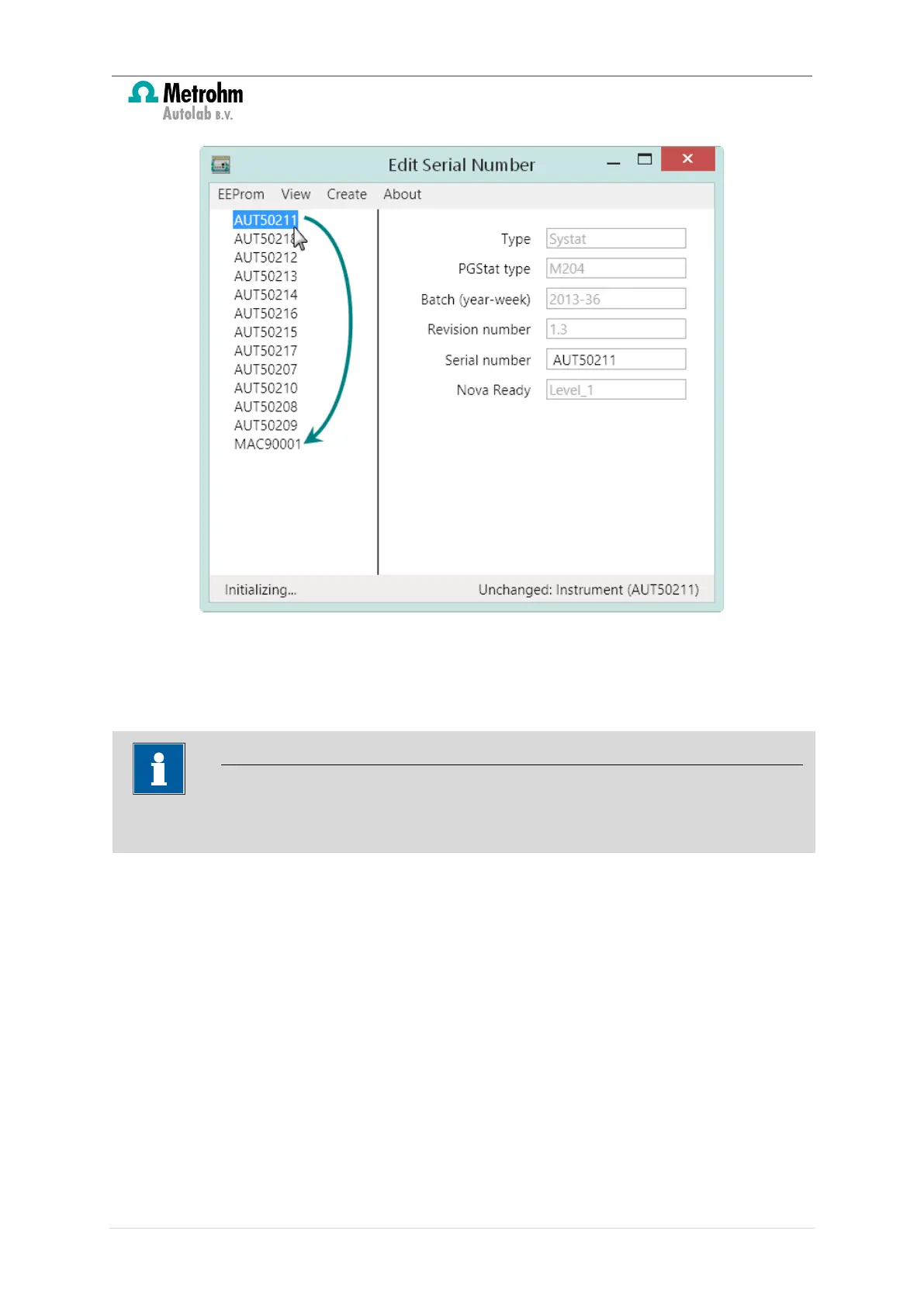
The M101 or M204 module dragged into the Multi Autolab Cabinet will be listed below
the MAC8XXXX or MAC9XXXX serial number (see Figure 29).
An asterisk symbol (*) in the Edit Serial Number application indicates an unsaved status
of the hardware configuration.
25 | Page


 To Next Page
 Loading...