Insert a new module for the Multi Autolab Cabinet
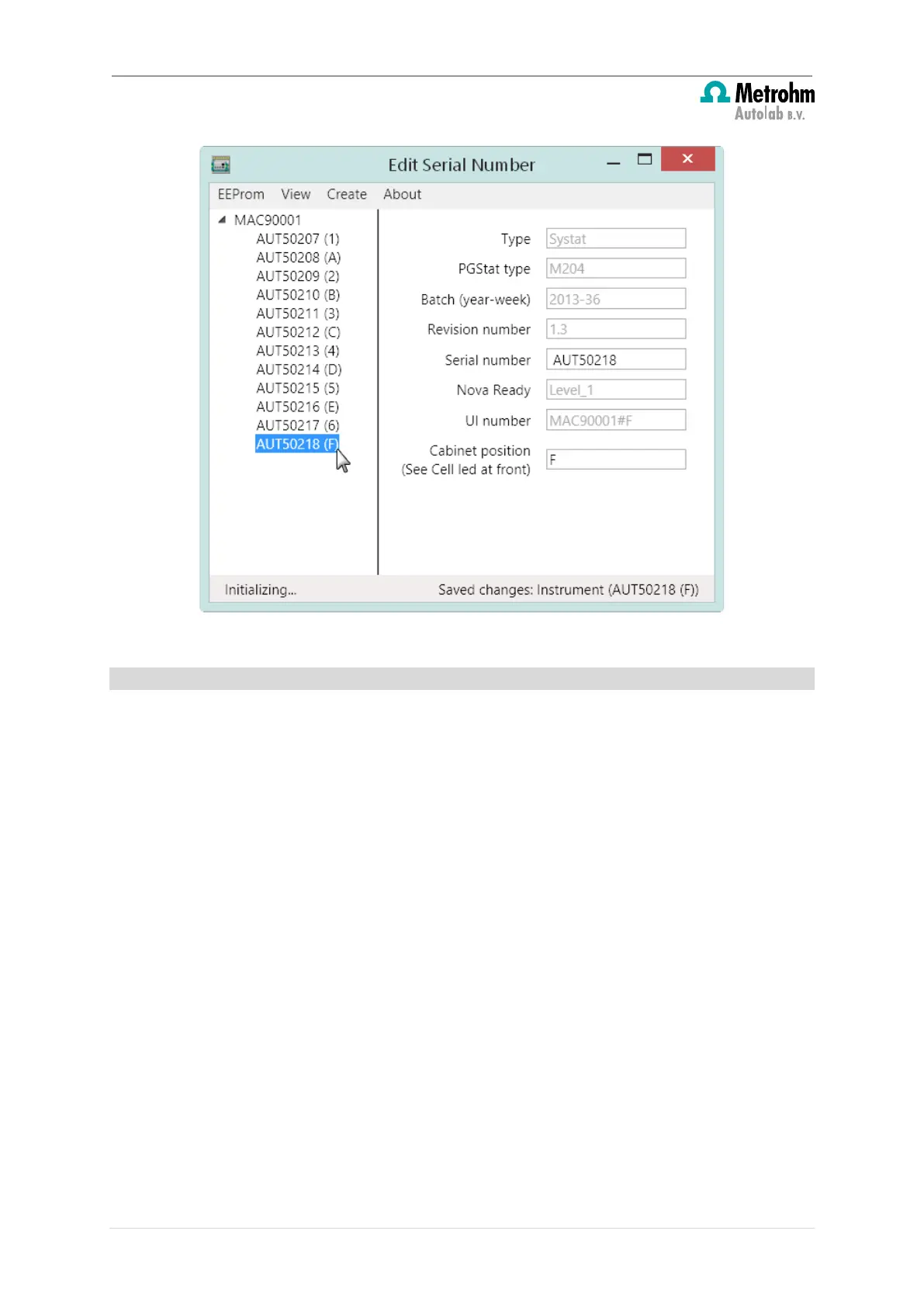
Figure 41 – The (*) symbols are removed when the all the information has been saved
5.1.5 – Verification
After programming the instrument using the instructions provided in this section, the device
can be tested. To verify that the modules are correctly identified, close the Edit Serial
Number application, switch the Multi Autolab Cabinet off, start the NOVA software and
switch the Multi Autolab Cabinet on. After initialisation of the M101 or M204 modules,
the Hardware setup menu of Nova should display the list of available modules, identified
by serial number of the Multi Autolab Cabinet and position inside the cabinet (see Figure
42).
36 | Page


 To Next Page
 Loading...