Insert a new module for the Multi Autolab Cabinet
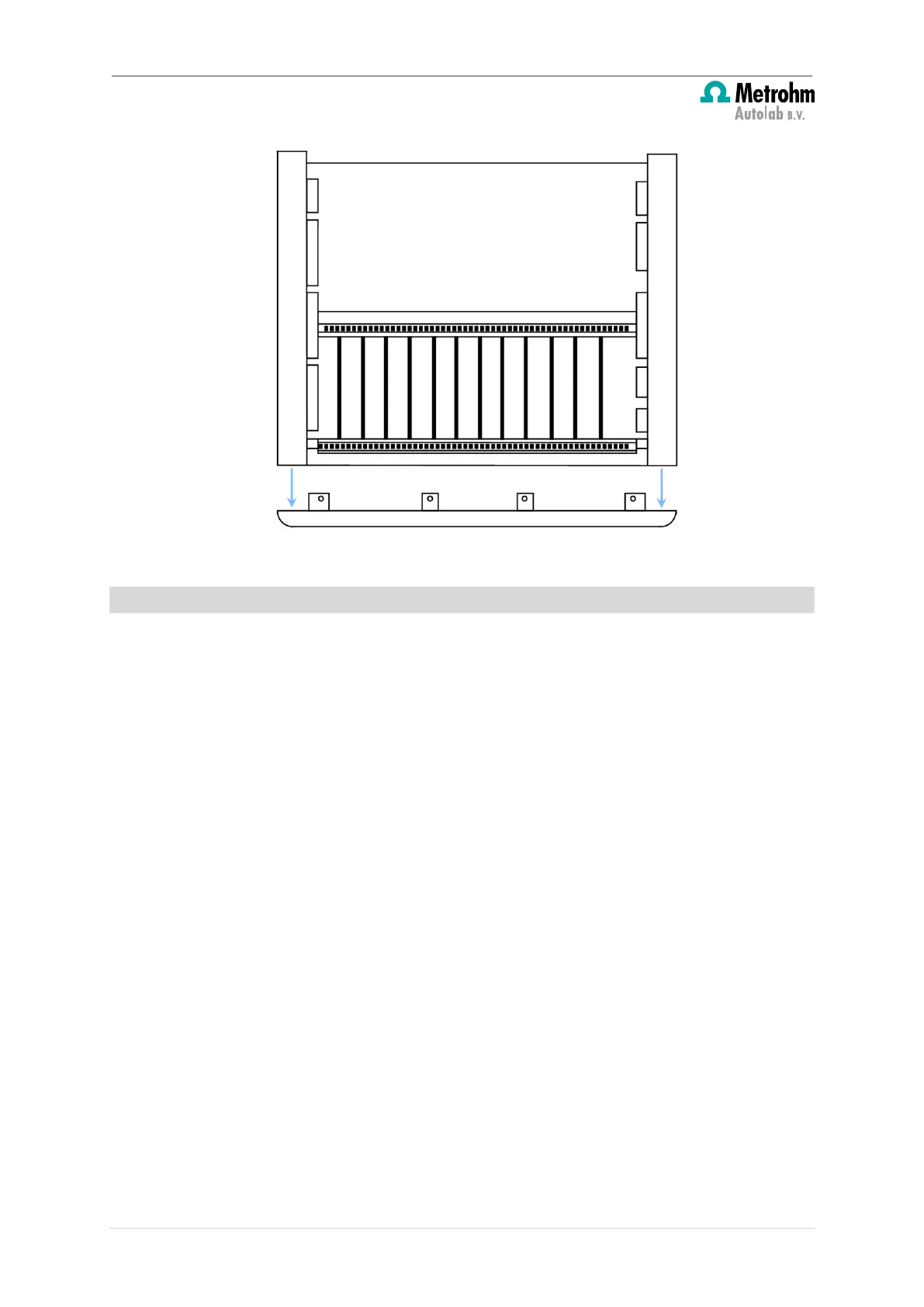
Figure 7 – Remove the front panel
4
– How to insert the new module(s)
The Multi Autolab Cabinets are fitted with a total of 12 module bays. The module bays
have alternating roles. Six bays are referred to as Parent positions, the six others are referred
to as Daughter positions, as shown in Figure 8.
8 | Page


 To Next Page
 Loading...