Insert new module for the Autolab 8-Series
7 | Page
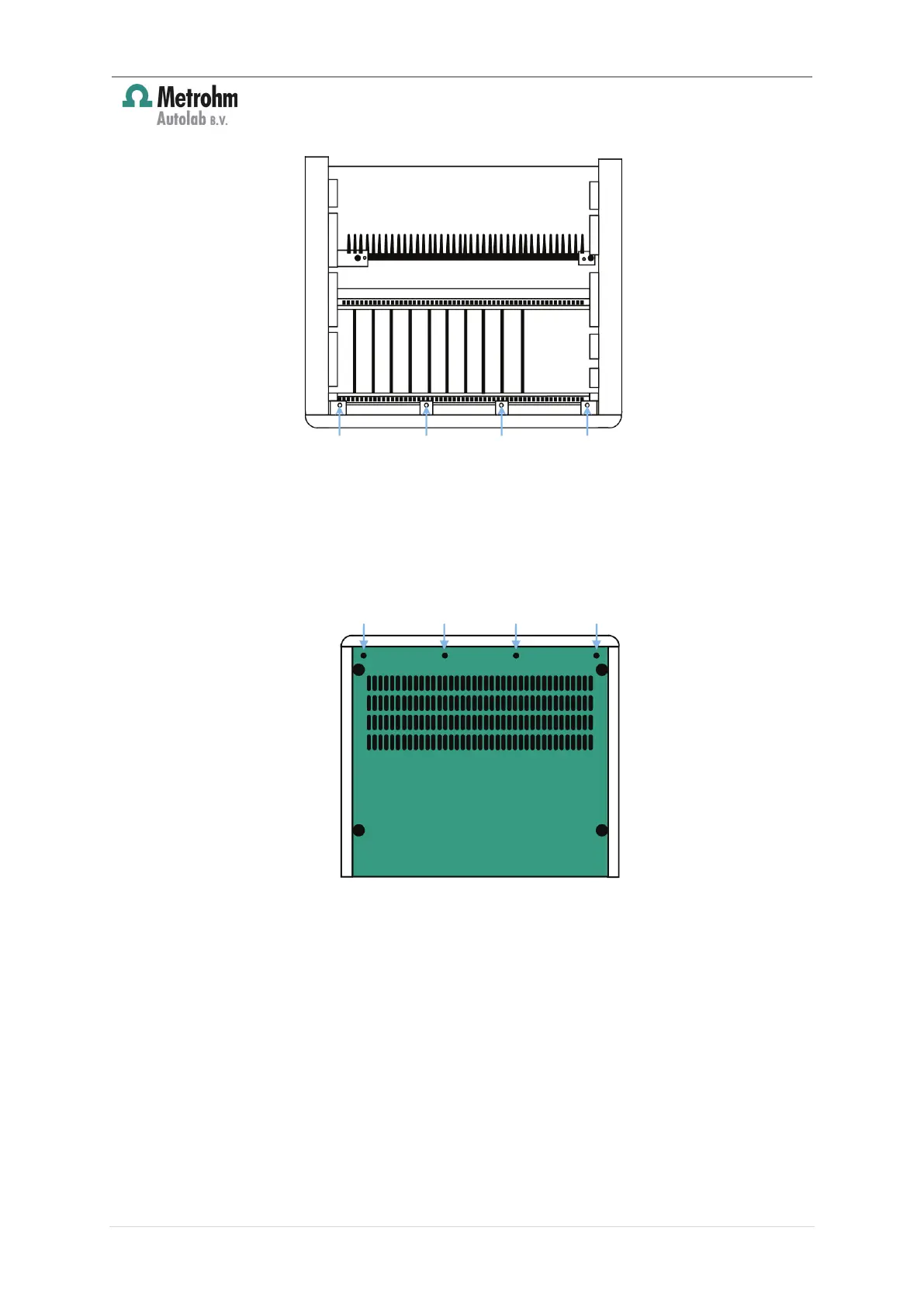
Figure 5 – Locate the four indicated screws holding the front panel
2. At the bottom of the front panel the same construction is used. The screws can be
reached through holes in the bottom cover. These screws must be removed
without turning the Autolab upside down. In order to do this, slide the
instrument slightly over the edge of the table and remove the four screws
indicated in Figure 6 from below.
Figure 6 – Remove the four indicated screws from below the instrument
3. Now the front panel can be shifted smoothly to the front and taken off. Take care
not to damage the LCD display (see Figure 7).












 To Next Page