16
Open the menu 6. Tuning to TV stations
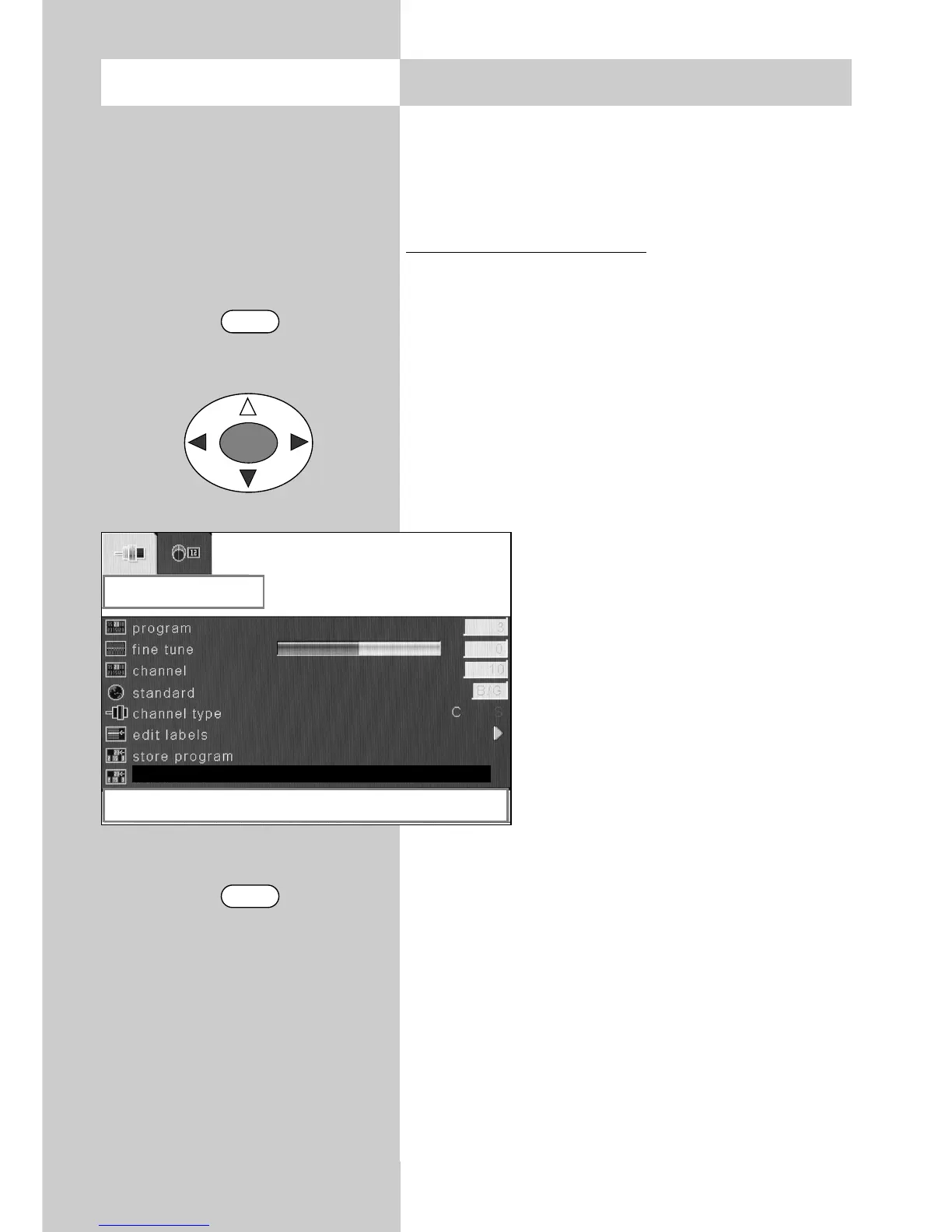
b) Manual search
You can use the manual search function to search
for individual stations whose channel number or
frequency you do not know.
Executing a manual search
• Press the "MENU" key to open the TV menu.
• Use the cursor key to select the menu "Set-
tings".
• Use the cursor key to select the menu item
"TV tuner".
• Press the "OK" key and open the sub-menu
"Programming".
• Use the cursor key to select the menu item
"Manual search".
• Use the cursor key to start the
search.
• The search halts when a station is
found.
• If you wish to save this station, use
the cursor key to select the menu
item "Save programme".
• Use the cursor key to save the
station which was found.
• Press the "TV" key to close the TV
menu.
You can change the station
logo: see Section 6.1.
☞
MENU
TV
OK
programming
right / left to search
manual search



 To Next Page