32
12. Copying AV recordings
Open the menu
Your TV set has a copy mode in which an AV devi-
ce connected to the Scart 2 socket can record the
picture and sound coming from an AV device con-
nected to the "FAV" (Front AV socket) or to the
Scart 1 socket.
Selecting the Scar
t 2 socket as the output:
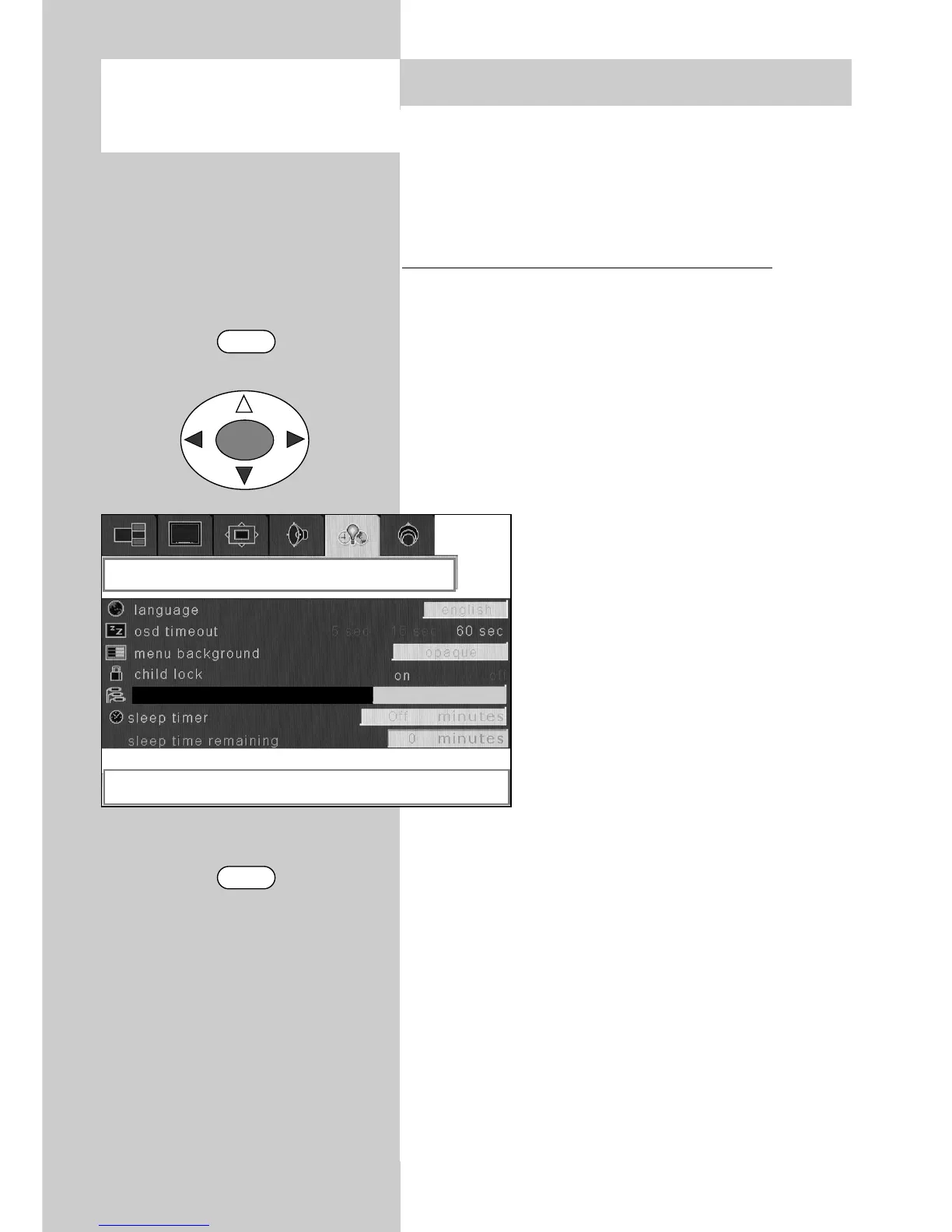
• Press the "MENU" key to open the TV menu.
• Use the cursor key to select the menu
"Options".
• Use the cursor key to select the menu item
"Scart 2 output".
• Use the cursor key to select the socket to
which the device being used for playback is con-
nected.
• Switch the recording device to
record mode and then press "Play"
on the playback device.
• Press the "TV" key to close the TV
menu.
The settings are saved automa-
tically when you close the TV
menu.
☞
MENU
TV
OK
options
right / left to select scart 2 out
FAV
scart 2 out



 To Next Page