22
Open the menu
OK
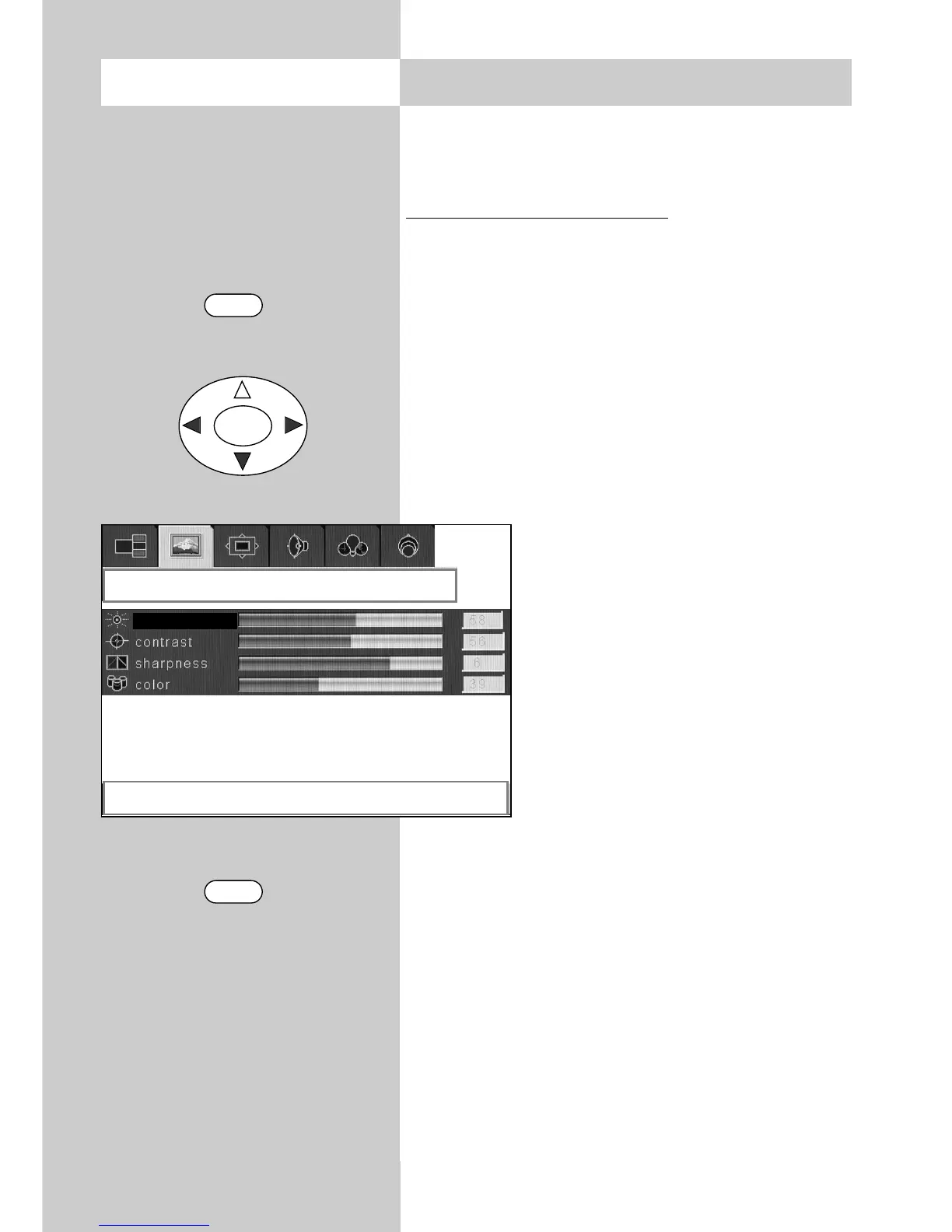
8. Picture settings
The picture settings (brightness, contrast, sharp-
ness, etc.) can be set globally for all programme
positions.
Adjusting the picture settings:
• Press the "MENU" key to open the TV menu.
• Use the cursor key to select the menu
"Picture".
• Use the cursor key to select the desired menu
item "Brightness", "Contrast", "Sharpness" or
"Colour".
• Use the cursor key to adjust the selected
picture setting.
• Press the "TV" key to close the TV menu.
The settings are saved automatically when
you close the TV menu.
☞
MENU
TV
picture
right / left to adjust brightness
brightness



 To Next Page