33
Picture quality when playing back pictu-
res from tape
The VCR function ensures an optimal picture quali-
ty when playing back recordings from tape devices
such as camcorders or video recorders.
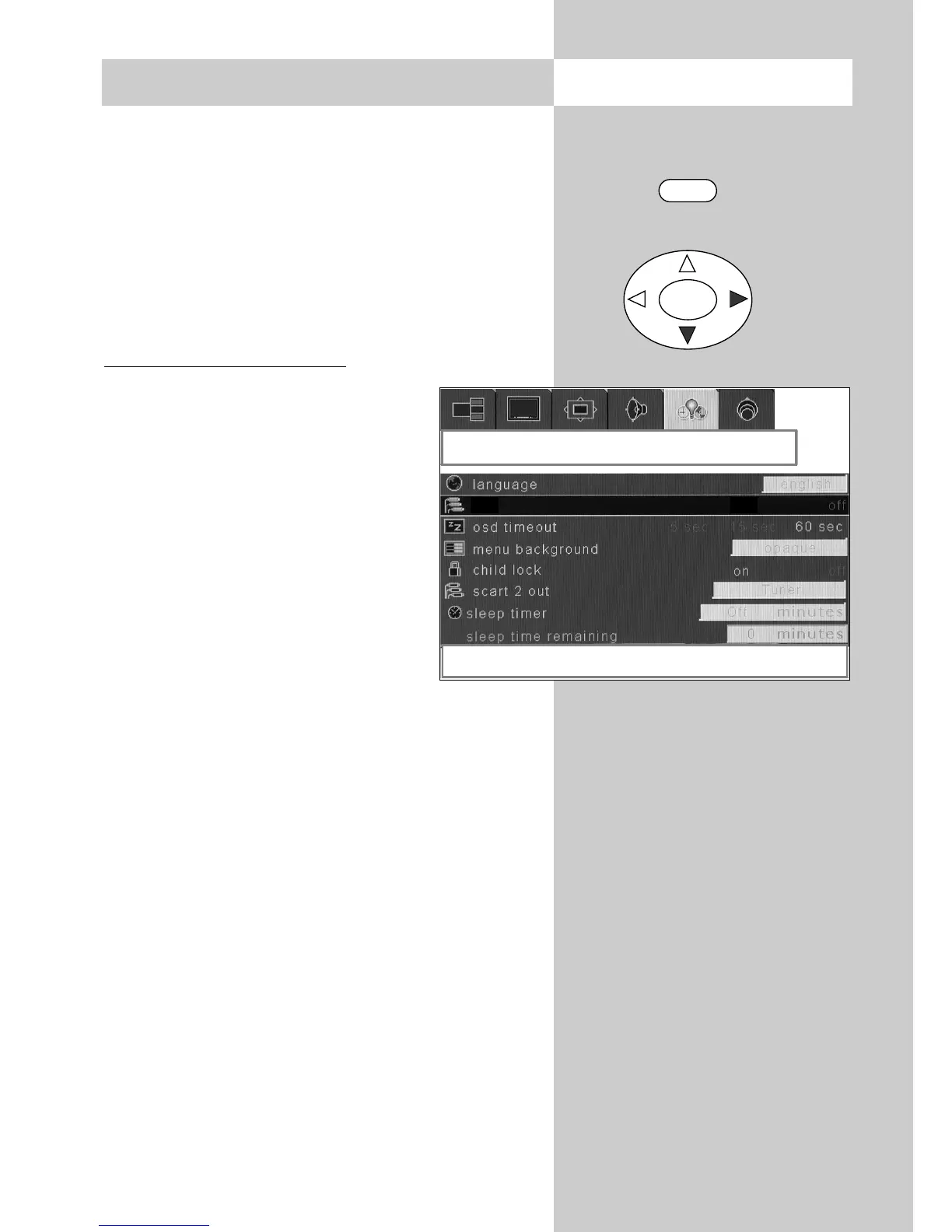
The VCR function in the menu "Options" can
be selected only if, for example, the connec-
ted video recorder is delivering a signal.
Activating the VCR function
• Start the playback function on the
AV device.
• Press the "MENU" key to open the
TV menu.
• Use the cursor key to select the
menu "Options".
• Use the cursor key to select the
menu item "vcr".
• Use the cursor key to switch
the function on or off.
• Press the "TV" key to close the TV
menu.
The setting is saved automatically when you
close the TV menu.
☞
☞
12. AV devices Open the menu
OK
MENU
options
right / left to change vcr status
vcr
on



 To Next Page