EasyManua.ls Logo

Meyer Sound HD-1 - User Manual

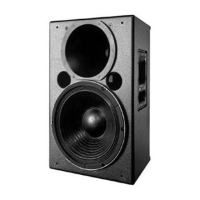
Meyer Sound HD-1
20 pages
Print Icon
To Next Page IconTo Next Page
Loading...
Keep these important operating instructions.
Check www.meyersound.com for updates.
OPERATING INSTRUCTIONS
CINE-STUDIO
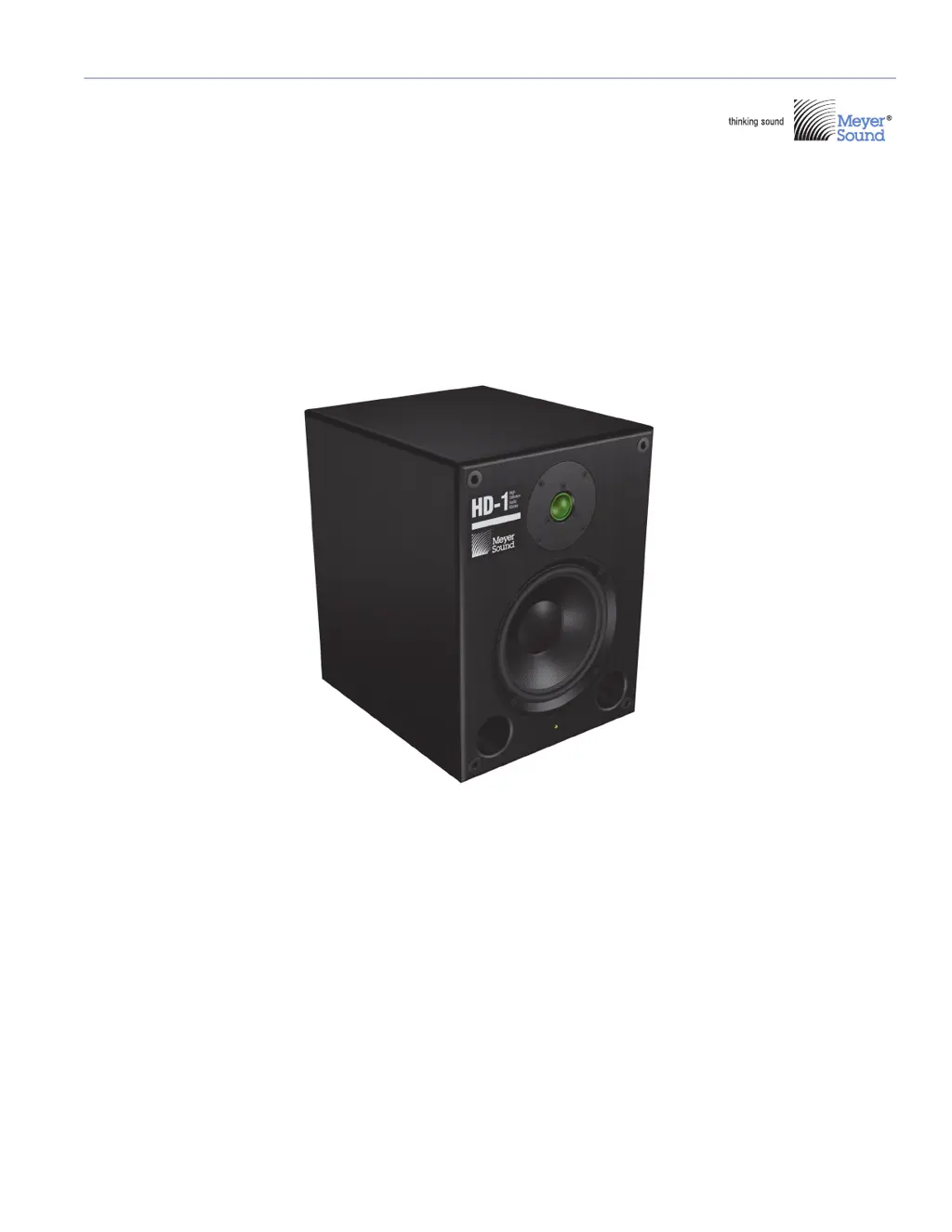
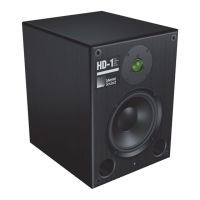
HD-1 High Definition Audio Monitor

Questions and Answers

  • H
    hgreenAug 1, 2025
    How to troubleshoot no sound on Meyer Sound Speakers?
    • M
      Matthew CaldwellAug 1, 2025
      If your Meyer Sound Speakers produce no sound, start by checking the AC outlet and power cable to ensure a good AC connection. If that's not the issue, inspect the fuse and replace it if it's blown. Also, verify the Voltage Selector switch and AC line. Finally, confirm that your signal source is properly connected by checking the input cables, connections, and the source signal itself.
  • C
    Courtney HunterAug 7, 2025
    What to do if Meyer Sound Speakers have distorted or intermittent sound?
    • Y
      ysmithAug 8, 2025
      If you're experiencing distorted or intermittent sound from your Meyer Sound Speakers, begin by inspecting the input cables and connections for any issues. If the problem persists, try using another source device to see if the original source is malfunctioning. If the problem stops with a different source, replace or repair the faulty source device.
  • C
    Christine RileyAug 13, 2025
    Why do my Meyer Sound HD-1 Speakers have distorted sound with hum?
    • T
      Thomas DurhamAug 13, 2025
      If your Meyer Sound Speakers are producing distorted sound accompanied by a hum, power down the system and check the Voltage Selector switch setting and AC voltage output. Also, check the AC voltage output. If the voltage is low, contact your power company, as it might indicate a power brownout.
  • L
    Linda DiazAug 19, 2025
    How to eliminate hiss from Meyer Sound HD-1 Speakers?
    • A
      Adam WileyAug 20, 2025
      If you hear a hiss from your Meyer Sound Speakers, check the Input Level switch and the output level of your source device. If the hiss persists, stop playback; if the hiss disappears, the program material may be the cause. As another step, unplug the input connector. If the hiss disappears, the source device may be malfunctioning.
  • W
    william67Aug 26, 2025
    What to do if Meyer Sound HD-1 have low sound levels?
    • A
      Andrew DiazAug 26, 2025
      If your Meyer Sound Speakers have low sound levels, first increase the output level of your source device. If the sound is still too quiet, check the Input Level switch on the speakers and set it to –10 dBV.

Summary

Chapter 1: Introduction

HD-1 Monitor Overview

Details the HD-1 as a self-powered, ultra-precise near-field monitor with patented circuitry.

Obtaining Service

Procedures for contacting Meyer Sound for technical support and warranty service.

Chapter 2: HD-1 Setup

AC Power

Covers AC power connection, voltage selector, fuse, and cable requirements.

Input Level

Explanation of the input sensitivity switch for +4 dBu and -10 dBV signals.

Appendix A: AC Power Reference

Worldwide AC Power Ratings

Table of AC connectors, voltage settings, and fuse ratings by country.

Appendix B: Troubleshooting

HD-1 Troubleshooting Guide

Table of common problems, symptoms, possible causes, and recommended actions.

Appendix C: HD-1 Specifications

Meyer Sound HD-1 Specifications

General IconGeneral
Configuration2-way
Crossover Frequency1.8 kHz
Input ConnectorsXLR, TRS
Input Impedance10 kΩ
TypeStudio Monitor
LF Driver1 x 8"
HF Driver1 x 1"
Power Output150W LF, 100W HF
Dimensions10.5" W x 16.5" H x 13" D
Driver8-inch LF, 1-inch HF
Input Sensitivity+4 dBu

Related product manuals