7
CHAPTER 2: HD-1 SETUP
AC POWER
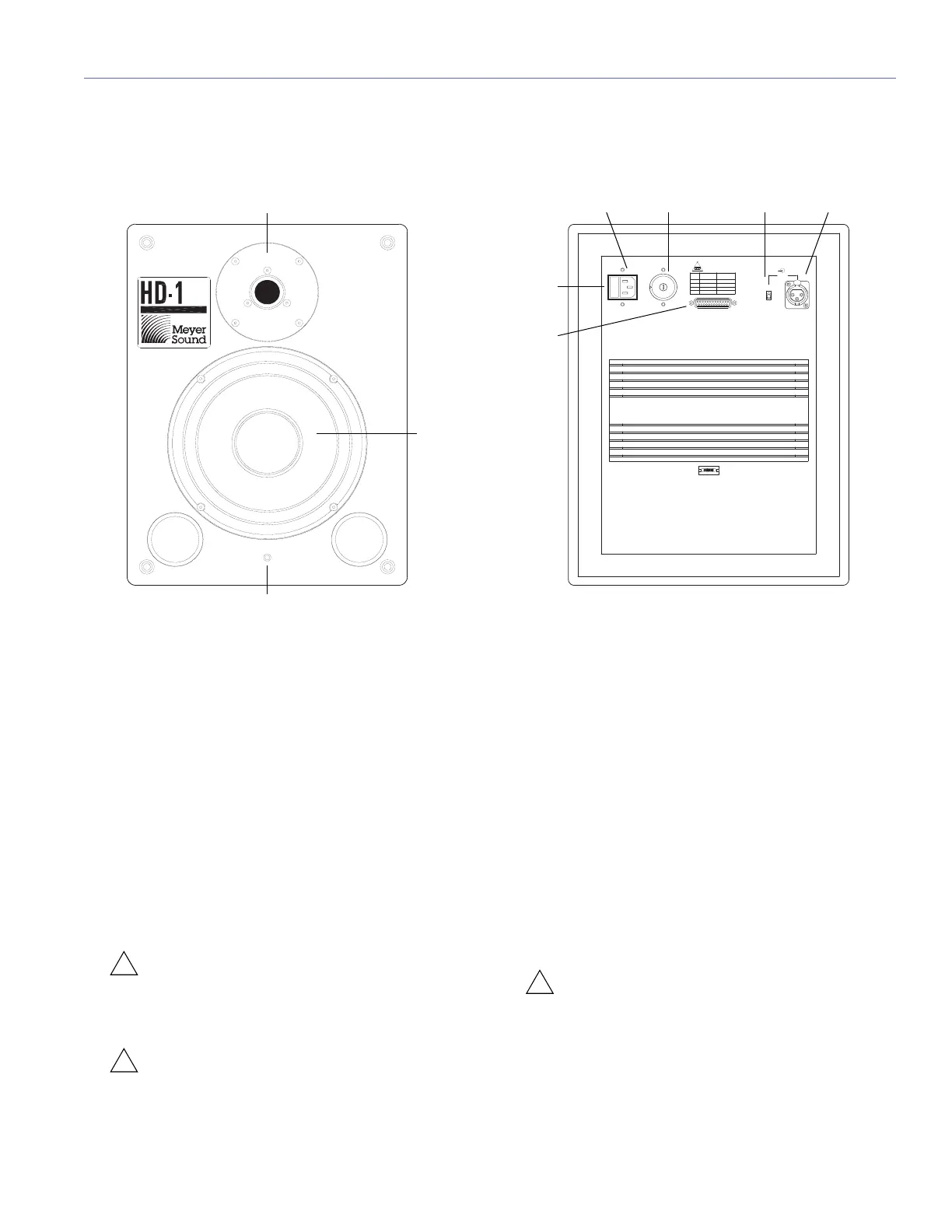
The HD-1’s Voltage Selector switch, fuse, AC Mains inlet,
and power switch are located on its rear panel.
Voltage Selector
The HD-1 accepts AC voltages from 90 to 250 V AC at 50 to
60 Hz in four ranges (100, 120, 220, or 240 Hz), as deter-
mined by the Voltage Selector switch. The HD-1 ships in the
following configurations:
■ UL, Voltage Selector set to 120 V, 6.3 A fuse installed
■ CE, Voltage Selector set to 220 V, 3.15 A fuse installed
CAUTION: Before pugging in the HD-1’s AC
power cable, make sure to set the Voltage
Selector switch to the range appropriate for the local
AC mains voltage.
CAUTION: Do not adjust the Voltage Selector
switch while the AC power cable is plugged in
to an outlet.
Fuse
The HD-1 is protected by a fast-acting fuse in the Voltage
Selector switch. In the unlikely event that the fuse blows,
check the line voltage and Voltage Selector setting. Always
replace the fuse with one of the same type and rating. For
more information, see Table 1 on page 13.
AC Power Cable
The HD-1 ships with a shielded, three-wire AC power cable.
The HD-1 must be connected to a grounded (three-prong)
outlet. To operate safely and effectively, it is extremely
important that the unit be properly grounded. If possible,
connect both HD-1s to the same outlet.
CAUTION: Set the Voltage Selector switch to
the local AC voltage range before plugging in
the AC power cable.
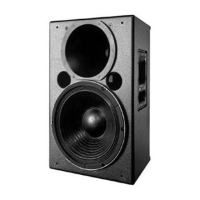
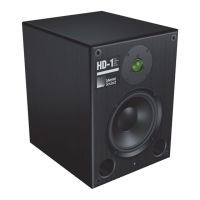
HD-1 High Definition Audio Monitor, Front and Rear Panel
High
Definition
Audio
Monitor
100
240
220
120
PUSH
Pin 1 Com
Pin 2
-
Pin 3 +
Case AC Gnd
Input
Level
Input
+4dBu
-
10dBv
Off
On
AC
90V ~ 110V
109V ~ 130V
200V ~ 235V
230V ~ 250V
100V
120V
220V
240V
6.3 A-FastAct
6.3 A-FastAct
3.15A-FastAct
3.15A-FastAct
Line
Fuse
Volt
Select
6.3A 90-130 V
3.15A 200-250 V
~
~
Calibration port for factory and service use only
Low frequency
cone driver
High frequency
dome tweeter
On/Limit LED
Calibration port
(factory use only)
Voltage Selector
switch
Input Level
switch
Input
connector
AC Mains
inlet
Power
switch



 To Next Page