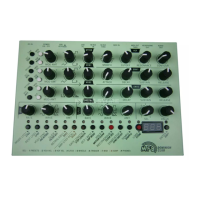
MFB Tanzbär Lite MFB Tanzbär LiteSound Generation
18 19
Sound Generation
SOUND GENERATION
In this chapter, we are going to introduce the sound generation and its parameters.
Instruments
Tanzbär Lite offers ten different instruments with real analog sound generation.
Bassdrum, clap, tom/conga as well as cowbell and claves, are assigned to LFO tracks
which allow for pitch- resp. tone color modulation of the respective instrument. The LFO
tracks can be edited and muted individually.
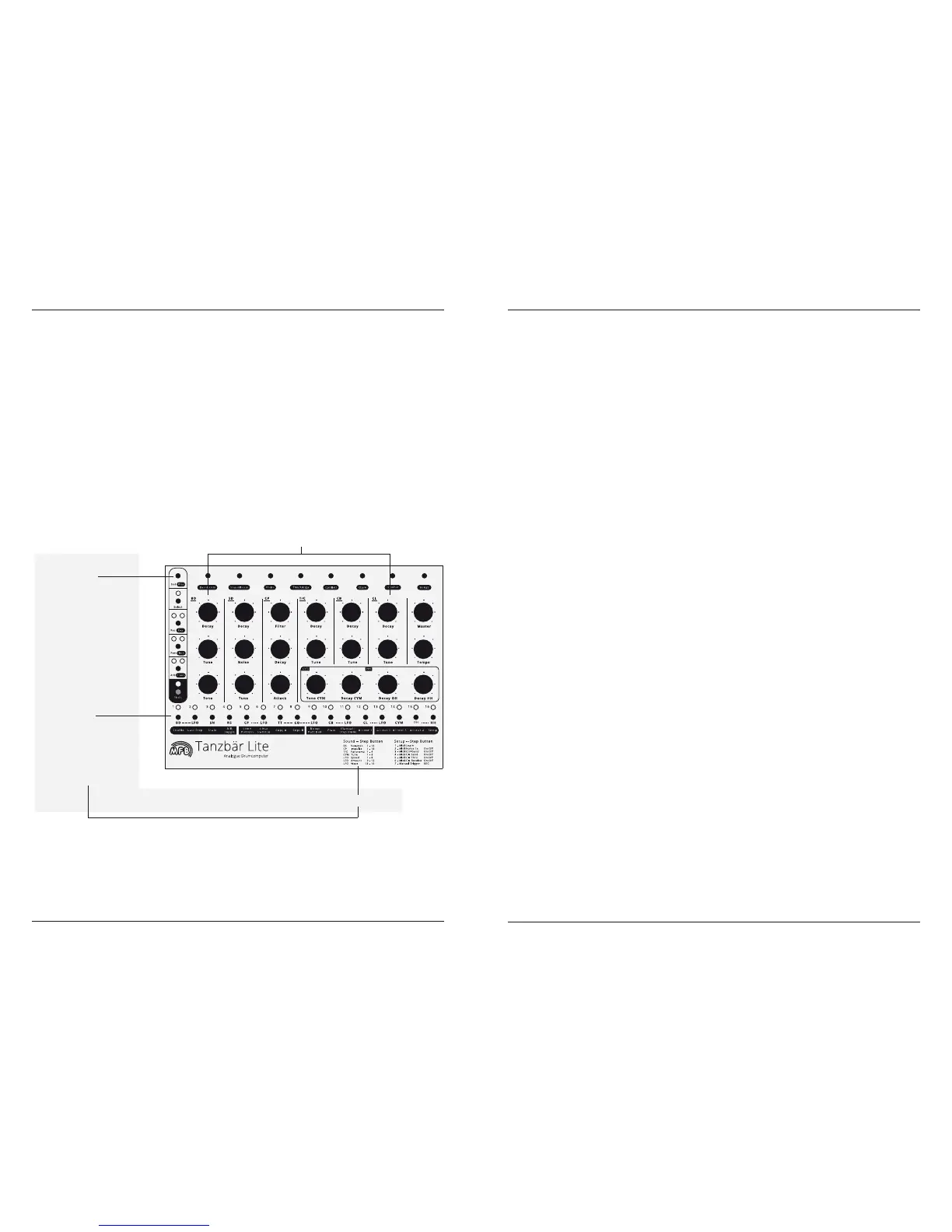
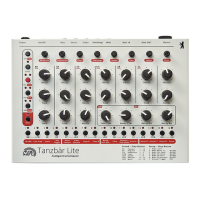
The instruments can be edited directly using the controls on the front panel. Apart from
that, some instruments offer an additional „hidden“ parameter that can be accessed and
edited using the function key „Snd“ and a corresponding step key.
Snd keys and Step keys
Through the Sound key (Snd) you can access a hidden sound parameter for some instru-
ments (listed as „Sound – Step Button“ on the front panel). This is how the hidden sound
parameter can be accessed:
• Hold Snd key.
• Additionally press step key to select the desired instrument (depending on the
number of available parameter values, several step key LEDs will light up).
In Record mode, this selection is not required since there is an instrument selected
all the time.
• Press step key again (while still holding Snd) to enter the desired parameter value,
e.g. between 1 and 16. You may press several step keys consecutively to try out
different settings. The last step key selected will light up permanently.
• Release Snd key.
Here you will nd a list of all available sound parameters of all instruments:
BD (Bassdrum)
• Decay controls decay time
• Tune controls pitch (can be modulated by an LFO track)
• Tone controls the volume of the „kick impulse“
SD (Snaredrum)
• Decay controls decay time
• Noise controls level of the noise signal
• Tune controls pitch
CP (Clap)
• Filter controls brightness of the sound (can be modulated by an LFO
track)
• Decay controls decay time
• Attack controls the density of the clap impulses
• Snd+CP+Step selects between sixteen different attack transients
T/C (Tom/Conga)
• Decay controls decay time (up to innite tone)
• Tune controls pitch (can be modulated by an LFO track)
• Snd+TT/CO+Step controls panorama position – four differnt values
(only audible when stereo master out is used)
Depending if tom- or conga track is selected, the decay- and tune controls access the
corresponding parameter of one of these two instruments.
OH
direct access to sound parameter
2.
Step keys
• select instrument resp.
hidden sound parameter
• selects parameter value
1.
Snd key
provides hidden
sound parameter
- press + hold
mapping of step keys with parameters and values


 To Next Page